
Xiaomi TV S Pro Mini LED 2026: what it ships with and what comes off
· 8 min read
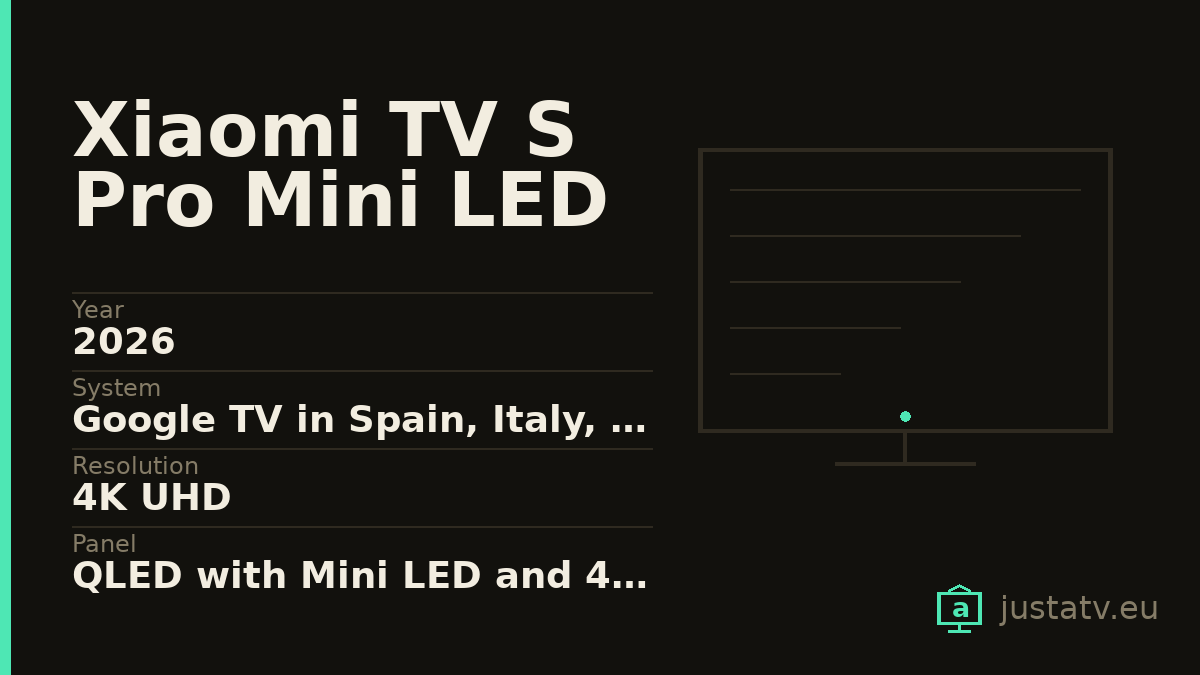
| Year | 2026 |
|---|---|
| System | Google TV in Spain, Italy, France, Germany and Poland |
| Resolution | 4K UHD |
| Panel | QLED with Mini LED and 408 dimming zones |
| Refresh | 144 Hz; up to 288 with line doubling over HDMI |
| Brightness | 540 nits minimum, 600 typical and 1,700 peak |
| Contrast | 6,000:1 typical |
| Colour | 92% of DCI-P3 minimum, 94% typical; 8-bit with FRC |
| HDR | All four: Dolby Vision, HDR10+, HDR10 and HLG |
| Memory | 3 GB of RAM and 32 GB eMMC |
| Sound | 2 × 15 W across four speakers, with Dolby Atmos and DTS-X |
| Connections | Only 3 HDMI; ports 1 and 2 reach 4K at 144 Hz |
| eARC | On HDMI 2, one of the two fast ports |
| Sizes | 55", 65" and 75" |
Xiaomi documents this television better than most manufacturers document anything, and that is news in itself. On its official support pages it publishes minimum, typical and peak brightness separately, the DCI-P3 figure with two values, the contrast, the number of zones and even which HDMI port carries eARC, a detail almost nobody gives.
So this page is not about what it hides. It is about what it says, which has a trap of its own.
Three HDMI ports. Three.
Start with what will shape your living room most: this set has three HDMI inputs, not four. And Xiaomi spells out how they differ:
- All three are HDMI 2.1, with CEC, ALLM and VRR.
- Ports 1 and 2 accept 4K at 144 Hz. The third one does not.
- eARC is on port 2.
Do the arithmetic: if you plug a soundbar into HDMI 2, which is where it has to go, you are left with a single port capable of 144 Hz for the console, and a slow third one for everything else. A set-top box, a console and a soundbar already fill the television.
It is not a hidden defect: it is published. But it is the kind of thing you discover on assembly day, cables in hand, and by then it is too late to choose another set.
If that pinches, the cheap way out is an HDMI 2.1 switch rated for 48 Gbps (the cheap ones stop at 4K and 60 Hz) or leaving the set-top box on the slow port, where television needs nothing more.
The 288 Hz that are not 288 Hz
The spec sheet says it is "DLG compatible at 288 Hz over HDMI". That deserves translating, because in a shop it turns into a flat "288 Hz".
DLG means the set splits the image and doubles lines so it can refresh twice as often, at the cost of vertical resolution. It is a legitimate technique, useful for competitive gaming, but the panel is a 144 Hz panel. That is what it delivers, and it is plenty: not many sets at this price genuinely get there.
Xiaomi, at least, labels it DLG rather than selling it to you as a native refresh rate.
What it is, inside
A Mini LED with 408 dimming zones on the 55-inch model, a QLED panel covering at least 92% of the DCI-P3 space and 94% as a typical value, and a typical contrast of 6,000:1.
Brightness is published as three figures, which is the honest way to do it: 540 nits as a guaranteed minimum, 600 typical and 1,700 peak. That peak is in a small window and in HDR; the number you live with every day is the 600.
One colour detail that does not always get told: the panel is 8-bit with FRC, not natively 10-bit. The 1.07 billion colours it advertises come from alternating shades very fast, not from actually having that depth. It is normal in this bracket and barely shows, but it is another thing Xiaomi says and other brands keep quiet.
It takes all four HDR formats that exist: Dolby Vision, HDR10+, HDR10 and HLG.
Inside there are 3 GB of RAM and 32 GB of eMMC storage, with a quad-core Cortex-A73 processor, Wi-Fi 6 and Bluetooth 5.2. For a television, 3 GB is more than usual, and you feel it in how loose the menus are.
The sound is four speakers (a tweeter and a full-range driver on each side) adding up to 2 × 15 W, with Dolby Atmos and DTS-X.
Careful with the name: Xiaomi's 2026 range runs three systems
This is the most important part of this page if you have not bought yet, because this year's names look designed to confuse.
Not every 2026 Xiaomi runs Google TV. Depending on the model, the same European catalogue ships three different systems:
- Google TV: the A, A Pro and X Mini LED series, and this S Pro Mini LED.
- Google TV Lite: the 32-inch A Pro, a cut-down version.
- Fire TV, Amazon's: the F, F Pro and FX Mini LED series.
Now look hard at the pair that does the damage:
- FX Mini LED runs Fire TV.
- X Mini LED runs Google TV.
One letter apart in the name, and two operating systems with nothing in common: a different store, different package names and a different list of what can be removed. Read the name too quickly in a shop and you carry the other one home.
And there is a second trap inside the S family itself. On the S Mini LED (the one without the "Pro") the refresh rate changes with the screen size. The 55, 65 and 75-inch sets run at 60 Hz, with 2 GB of RAM and Wi-Fi 5; only the 85 and the 98 reach 144 Hz, with 3 GB and Wi-Fi 6. The S Pro on this page, by contrast, runs at 144 Hz in all three of its sizes.
Which means that within one series, buying the 65 instead of the 85 can mean dropping from 144 Hz to 60. Read the sheet for the exact size, never the one for the series.

How to tell whether this page is about your set
The European references for this model are L55MB-SEU, L65MB-SEU and
L75MB-SEU, and Xiaomi ties them explicitly to Spain, Italy, France, Germany
and Poland.
Under Settings → System → About you will find the model and the Android
version. With ADB, getprop ro.product.model gives you the same without
walking through menus.
If yours reports Android TV rather than Google TV, it is a unit from another market: Xiaomi ships Android TV in Russia, Belarus and Kazakhstan. The method on this page still works; what changes is the home screen.
What ships on it
Google's. The launcher (com.google.android.tvlauncher), the
recommendation engine (com.google.android.tvrecommendations), voice search
(com.google.android.katniss) and the services (com.google.android.gms).
Xiaomi's. Its own services layer, with packages that usually start with
com.xiaomi. or com.mitv., plus a setup assistant and some in-house content
apps. The exact names change between firmware builds, so list your own instead
of trusting a list off the internet.
Everybody else's. Netflix, Prime Video, Disney+ and the rest arrive installed by commercial agreement, and the remote has dedicated buttons. The button stays even if you remove the app: it will simply stop leading anywhere.
What comes off without much thought
Streaming apps you do not use. With 32 GB the space is not tight, but the rest is: they update themselves, they show up in the recommendation row and they talk to their servers.
The free-content channels that fill the home screen are the second clear case, and Xiaomi sets usually carry several.
What to look at first
The recommendation engine. Taking it out leaves the home screen clean, but it also empties the "continue watching" row.
And before you touch a single package, go into the privacy settings and look at what the set is sharing. On Xiaomi sets there is a fair amount to cut back from there, with no ADB and no risk at all.
What not to touch
Google Play services. They are the foundation of the store, the accounts and a good share of the apps. Without them the television boots and does very little else.
The launcher, as long as you have no other one installed and working. A set with no launcher comes on to a black screen, and fixing that with only the remote is a great deal harder than having thought about it beforehand.
Anything beginning with com.android. that you cannot name:
com.android.systemui is the system interface and com.android.settings is
the settings app itself.
And anything to do with HDMI and external device control: that is the road the eARC on HDMI 2, the VRR and the 144 Hz of the good ports travel on.
What you actually notice
The home screen stops pitching series from services you do not have. The content notifications go away. And with 3 GB of RAM the set was already loose, so what you gain here is mostly quiet, not speed.
What does not change: the 408 zones, the 1,700 nits of peak brightness, the four HDR formats or the 144 Hz. None of that depends on the installed apps.
All of this comes undone
Packages disabled over ADB come back with one command, and a factory reset returns the television to exactly the state it left the box in. Nothing here touches the system: you are only telling the set not to load something already installed.
If you own one
The app list from your own S Pro, exactly as the set reports it, is what is missing to finish its entry. And if you have a 65 or a 75, tell us how many dimming zones yours declares: Xiaomi only publishes the 408 of the 55-inch model, and for the other two sizes there is no figure anywhere today.