
Xiaomi TV S Mini LED 2026: what it ships with and what comes off
· 8 min read
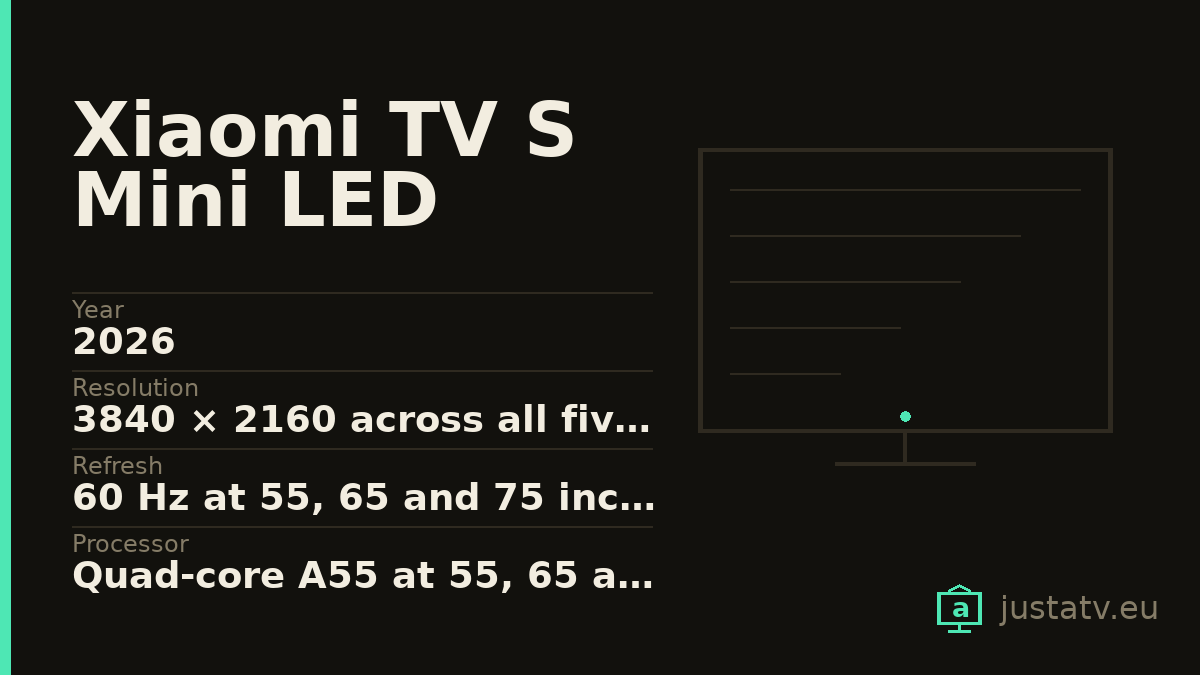
| Year | 2026 |
|---|---|
| Resolution | 3840 × 2160 across all five sizes |
| Refresh | 60 Hz at 55, 65 and 75 inches; 144 Hz at 85 and 98 |
| Processor | Quad-core A55 at 55, 65 and 75; A73 at 85 and 98 |
| Graphics | Mali-G52 2EE MC1 across all five sizes |
| Memory | 2 GB of RAM at 55, 65 and 75; 3 GB at 85 and 98 |
| Storage | 32 GB of flash across all five sizes |
| Network | Wi-Fi 5 and BT 5.0 up to 75"; Wi-Fi 6 and BT 5.2 at 85 and 98 |
| Consumption | 230, 280, 350, 430 and 500 W depending on the size |
| Diagonal | 138, 165, 189, 214 and 248 cm |
| Audio | FLAC, AAC, OGG, Dolby Audio and DTS-X; Virtual X only up to 75" |
| Video | MPEG 1/2, H.263, H.264, H.265, VP8, VP9 and AV1 |
| Models | L55MC-SEU, L65MC-SEU, L75MC-SEU, L85MC-SEU and L98MC-SEU |
| Brightness | Xiaomi publishes no spec sheet for this model: no figure |
| HDR | Nothing published; the manual names Dolby Vision only at 85 and 98 |
| Sizes | 55", 65", 75", 85" and 98" |
Some televisions hide their shortcomings in the small print. This one hides something else: the same series contains two different sets, and the trade name is identical across all five sizes.
This is not the usual step between sizes, the one where the bigger model gains a few watts and a few centimetres. Here the panel refresh rate, the processor, the memory, the wi-fi chip and the Bluetooth version all change. Buying the 75 instead of the 85 is not "the same thing, smaller".
The table says it all
This comes from the Specs tables of the five official manuals, field by
field:
| Size | Model | Refresh | CPU | RAM | Wi-Fi | BT | Power |
|---|---|---|---|---|---|---|---|
| 55" | L55MC-SEU |
60 Hz | A55 | 2 GB | 5 | 5.0 | 230 W |
| 65" | L65MC-SEU |
60 Hz | A55 | 2 GB | 5 | 5.0 | 280 W |
| 75" | L75MC-SEU |
60 Hz | A55 | 2 GB | 5 | 5.0 | 350 W |
| 85" | L85MC-SEU |
144 Hz | A73 | 3 GB | 6 | 5.2 | 430 W |
| 98" | L98MC-SEU |
144 Hz | A73 | 3 GB | 6 | 5.2 | 500 W |
All five are quad-core, all five carry 32 GB of flash storage, all five do 3840 × 2160 and all five run the same graphics part, a Mali-G52 2EE MC1. The declared diagonals are 138, 165, 189, 214 and 248 cm.
And there the resemblance ends.
What dropping from 85 to 75 inches actually means
The refresh rate. From 144 Hz to 60. It is the difference you notice most and the one you can least make up for afterwards: no setting, no update and no cable turns a 60 Hz panel into a 144 Hz one. For film it makes no odds, since the material runs at 24 or 25 frames a second. For a modern console it does.
The memory. From 3 GB of RAM to 2 GB. Two gigabytes is the bare minimum for Google and its services on a 2026 television, and it is the figure that explains why a new set feels slow two years in: every preinstalled app that wakes up in the background comes out of those 2 GB.
The processor. From four Cortex-A73 cores to four Cortex-A55. The A55 is an efficiency core; the A73 is a performance one. Oddly, the graphics do not change: all five sizes carry the same Mali-G52 2EE MC1.
The network. From Wi-Fi 6 and Bluetooth 5.2 to Wi-Fi 5 and Bluetooth 5.0.
Even the sound. The manual's audio format list includes Virtual X on the 55, 65 and 75, and drops it on the 85 and 98. All five list FLAC, AAC, OGG, Dolby Audio and DTS-X. Video is identical throughout: MPEG 1/2, H.263, H.264, H.265, VP8, VP9 and AV1.
What Xiaomi does not publish about this model
Here we have to say what is missing, because it is as telling as what is there.
For the bigger brother, the S Pro Mini LED, Xiaomi publishes an official support sheet with minimum, typical and peak brightness, the number of dimming zones, the contrast, the DCI-P3 coverage and even which HDMI port carries eARC. For this television, no sheet is published for any of the five sizes. The only FAQ Xiaomi still keeps under the name "S Mini LED" belongs to the 2025 model.
So for this set there is no official figure for brightness, for dimming zones, for the number of HDMI ports or their version, for which HDR formats it takes, or for speaker power. The table above is the whole of the documentation. If somebody quotes you those numbers, ask where they got them.
A clue in the small print
There is one trail you can read, and it is in the trademark notices of the manual, which differ by size.
In the 55, 65 and 75-inch manuals the Dolby block reads "Dolby, Dolby Audio and the double-D symbol". In the 85 and 98 it reads "Dolby, Dolby Vision, Dolby Atmos and the double-D symbol", exactly as in the S Pro Mini LED.
A legal notice is not a specification. But Dolby licences are paid per product, and nobody prints the Dolby Vision one if the set does not carry it.
The same block holds something else useful: all five manuals include the line "Google, YouTube and Android TV are trademarks of Google LLC". The manuals for the Fire TV Xiaomis (the F and FX series) do not; Amazon's marks appear instead. It is the indirect way of confirming which platform we are on.

If you wanted 144 Hz in a manageable size
The answer is not this television: it is the Xiaomi TV S Pro Mini LED, which gives 144 Hz across all three of its sizes, 55, 65 and 75 inches, with 3 GB of RAM and Wi-Fi 6. It has its own page on this site, with its dimming zones, its brightness and the detail that it carries only three HDMI ports.
Put the other way round: if the room calls for 65 inches and 144 Hz matters to you, the 65-inch S Mini LED is not a cheaper version of the 85. It is a different television.
How to tell whether this page describes your set
The European references are L55MC-SEU, L65MC-SEU, L75MC-SEU,
L85MC-SEU and L98MC-SEU. The letter that matters is the C: the S Pro
uses MB, this one uses MC.
Under Settings → System → About you get the model and the Android version.
Over ADB, getprop ro.product.model gives the same without the menus.
What ships from the factory
Google's part. The launcher (com.google.android.tvlauncher), the
recommendation engine (com.google.android.tvrecommendations), voice search
(com.google.android.katniss) and the services (com.google.android.gms).
Xiaomi's part. Its own services layer, with packages that tend to start
with com.xiaomi. or com.mitv., plus setup helpers and in-house content
apps. The exact names change between firmware builds, so list yours rather
than trusting a list off the internet.
Everyone else's. Netflix, Prime Video, Disney+ and company ship preinstalled under commercial deals, with a dedicated button on the remote. The button stays even if you remove the app: it will simply lead nowhere.
What comes off without much thought
The streaming apps you do not use, and the free-content channels that fill the home screen.
What to look at first
The recommendation engine: removing it leaves the home screen clean, but it also empties the "continue watching" row. And before touching any package, go into the privacy settings and see what the television is sharing. On Xiaomis there is plenty to turn down from there, with no ADB and no risk at all.
What not to touch
Google Play services. They underpin the store, the accounts and a good part of the apps.
The launcher, unless you have another one installed and working. A television with no launcher boots to a black screen, and fixing that with only the remote is far harder than thinking about it beforehand.
Anything starting with com.android. that you cannot identify:
com.android.systemui is the system interface and com.android.settings is
the settings app itself.
What you actually notice
That depends on the size, again. On the 85 and 98, with 3 GB and A73 cores, cleaning up buys mostly peace and quiet: fewer notifications and a home screen that stops pitching shows from services you do not have.
On the 55, 65 and 75 it buys speed as well. With 2 GB of RAM and four A55 cores, every background process you stop launching is memory and cycles handed back to the menu and to the app you are actually using. This is exactly the bracket where removing things is felt on the remote.
What does not change: the 60 or 144 Hz of the panel, the power draw or the resolution. None of that depends on the installed apps.
All of this is reversible
Packages disabled over ADB come back with one command, and a factory reset returns the television to the state it left the box in. Nothing here touches the system: you are only telling the set not to load something that was already installed.
If you own one
The app list from your S Mini LED, exactly as the set reports it, is what is missing to finish its page. And if it arrives with a label or a box quoting brightness, dimming zones or HDMI ports, send us the photo: today there is no official figure for any of that on this model.