
Xiaomi TV F and F Pro 2026: what they ship with and what can come off
· 8 min read
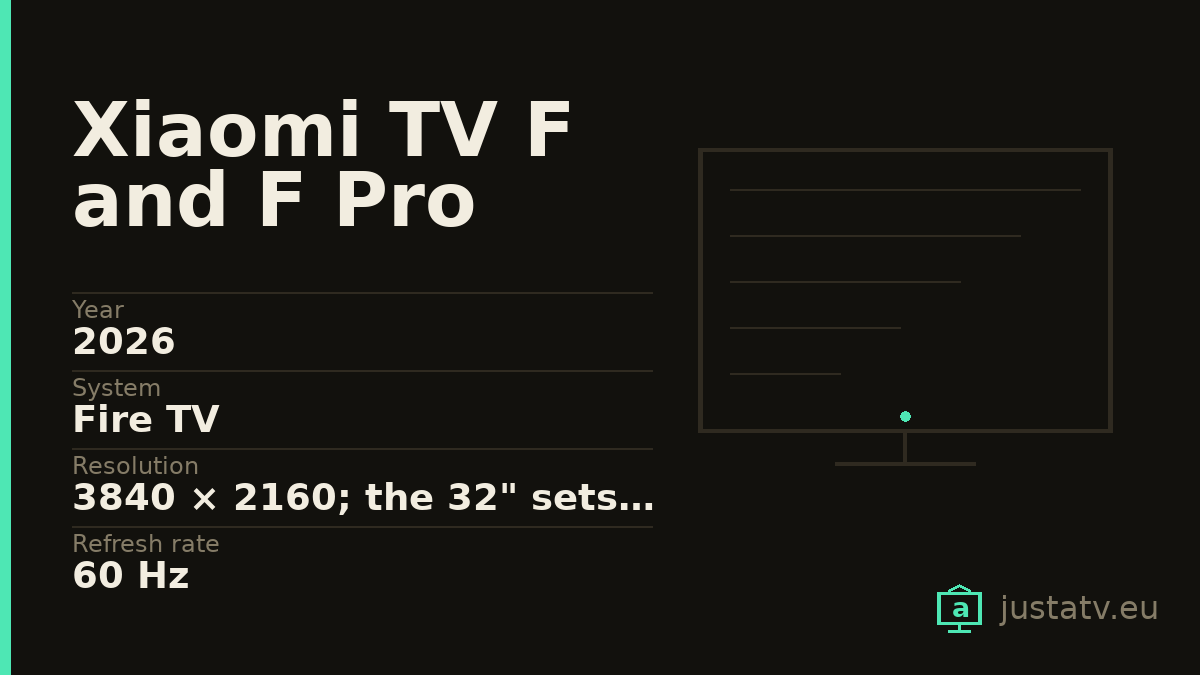
| Year | 2026 |
|---|---|
| System | Fire TV |
| Resolution | 3840 × 2160; the 32" sets are 1366 × 768 |
| Refresh rate | 60 Hz |
| Brightness | 200/240 nits on the F 43; 300/350 on the F Pro 55 |
| HDR | HDR10 and HLG on the F 43; the F Pro 55 adds HDR10+ |
| Memory | 2 GB of RAM and 32 GB; 1.5 GB and 8 GB on the 32" |
| Sound | 2 × 10 W on both documented models |
| Processor | MediaTek MT9026, quad-core A55 at 1.53 GHz |
| Connections | 3 × HDMI, one of them 2.1 with eARC and ALLM |
| Sizes | 32", 43", 50", 55" and 65"; the F Pro adds 75" |
Xiaomi has been selling televisions with Google TV for years. Not these. The F 2026 and F Pro 2026 ranges are built on Fire TV, Amazon's system, and Xiaomi says so plainly in its own FAQ: "The operating system of the Xiaomi TV F Pro 55 2026 is Fire TV." The same sentence, word for word, appears for the F 43.
If you are coming from an earlier Xiaomi set, that means a different store, different package names and a different home screen. Almost nothing you learned clearing out your last television transfers here as it stands.
What these televisions are
Two families that share practically all their electronics. In 4K, the F range
is L43MB-FAEU, L50MB-FAEU, L55MB-FAEU and L65MB-FAEU; the F Pro range
is L43MB-FPEU, L50MB-FPEU, L55MB-FPEU, L65MB-FPEU and L75MB-FPEU.
All of them share a 3840 × 2160 panel at 60 Hz, four Cortex-A55 cores, 2 GB of
RAM and 32 GB of storage.
Yes, both of them. Same resolution, same refresh rate, same CPU, same memory.
The 32-inch sets are a different machine
Worth saying early. The L32MB-FAEU and the L32MB-FPEU are not small
versions of the above: they are different televisions. A 1366 × 768 panel,
1.5 GB of RAM, 8 GB of storage and a more modest processor, four Cortex-A53
cores on the F, Cortex-A35 on the F Pro.
With 8 GB, the cleanup this page describes stops being cosmetic. It is what decides whether, two years from now, the set still has room to install its own updates.
Where the F and the F Pro really differ
Here is the part almost nobody spells out. Xiaomi publishes a detailed specification sheet for exactly two models in these ranges, the F 43 2026 and the F Pro 55 2026. Put them side by side and the "Pro" shows up in two places:
Brightness. The F 43 quotes 200 nits minimum and 240 typical. The F Pro 55 quotes 300 minimum and 350 typical.
HDR. The F 43 takes HDR10 and HLG, and nothing else. The F Pro 55 takes HDR10+ on top of HDR10 and HLG.
And little else. The rest matches: resolution, 60 Hz, Cortex-A55 at 1.53 GHz on a MediaTek MT9026 platform, 2 GB of RAM, 32 GB, three HDMI ports, 2 × 10 W of sound, Wi-Fi 802.11ac, Bluetooth 5.0, three antennas and a quoted 5000:1 contrast ratio. The F Pro 55 does add a QLED panel and 92 % DCI-P3 coverage against the F 43's 76 %.
Put bluntly: if you pay for the "Pro" expecting more television, what you buy is a brighter panel with more colour and one more HDR format. You are not buying more power, more memory or more speed. The system will run exactly the same on either one, which is why the cleanup does both equal good.
The ports
Both documented models carry three HDMI. On the F 43, one of them is HDMI 2.1 with eARC and ALLM. On the F Pro 55, two are HDMI 2.0 and the third is 2.1, also with eARC and ALLM. There is also a CI+ slot, an optical digital audio output, an RJ45 port, USB 2.0 and two aerial sockets.
What there is not: USB 3.0, a headphone output and VGA. No microphone either, both state that they do not support voice wake, so the set is not listening to the room. Anything you say to Alexa goes through the remote.
What the manufacturer does not publish
Those two detailed sheets are the only ones in the range. For every other size there is only the manual, and the manual carries no brightness figure, no HDR list, no HDMI count and no audio power.
So we do not know whether the 43-inch F Pro also reaches 350 nits, whether the 65-inch F stops at 240, or whether the 32-inch sets do HDR at all. It is reasonable to assume each range is consistent with itself, but assuming is not knowing, and we are not going to fill the gap by eye.
Nor does the Fire OS version they ship with appear anywhere.

Being a Fire TV changes the whole list
If you are coming from a Xiaomi with Google TV, forget the names you knew:
There are no Google packages. No com.google.android.tvlauncher, no
com.google.android.gms. Here the prefix that matters is com.amazon..
There is no Play Store. The store is Amazon's Appstore
(com.amazon.venezia), with a considerably smaller catalogue. If you go too
far removing things, coming back costs more than on a Google TV.
The home screen belongs to Amazon, and it is more commercial than Google TV's: the top row is not always what you were watching, but what Amazon wants to show you. It is the main reason people end up on pages like this one.
ADB works the same. Fire OS is Android underneath, so the commands are the ones used everywhere else on this site. What changes is the list of names, not the method.
How to tell whether this page is about your set
Settings → My Fire TV → About shows the model and the Fire OS version.
With ADB connected, getprop ro.product.model gives you the same without
walking through menus.
Read the code carefully: if it starts with L32MB, the 32-inch section is
yours; if it ends in -FPEU, you have a Pro.
What comes off without much thought
The streaming apps you do not use. These sets arrive with Netflix, Prime Video and YouTube certified from the factory, and the remote usually has dedicated buttons. The button stays even after you remove the app: it simply stops leading anywhere.
What to look at first
On Fire TV there are two settings that take away a good part of the noise with no ADB and no risk at all: under Settings → Preferences → Privacy Settings you turn off device usage data collection and interest-based ads. Start there: it is half the work, and you cannot break anything.
What not to touch
The launcher (com.amazon.tv.launcher), as long as you do not have another
one installed and working. On Fire TV this is more delicate than on Google TV,
because there are fewer alternatives and Amazon's store does not offer them.
The store (com.amazon.venezia): without it you cannot reinstall anything you
remove, and on Fire OS that is a one-way trip.
And anything to do with the remote and its bluetooth pairing. On these sets the remote is bluetooth only (Xiaomi confirms there is no infrared) so if it stops responding there is no cheap universal remote to get you out of trouble.
Write down what you remove
Amazon reactivates things through updates more often than Google does. Keep the list in a text file with the full command beside it, and keep the complete package list before you touch anything: it is the only faithful picture of how your television arrived, and with it, getting back to the state you had is a copy and paste.
What you actually notice
A markedly less commercial home screen, storage recovered (which on the 32-inch sets matters far more than usual) and less background activity.
What does not change: the panel's 60 Hz, whatever nits you got and the HDR of your range. None of that depends on the apps installed.
If the hardware falls short
With 2 GB of RAM none of these sets will be fast however much you empty them, and with 1.5 GB even less so. If yours still struggles after the cleanup, the sensible way out is to leave it as a screen and put an external player in front. The panel will keep delivering what it always did, which is what you paid for.
All of this can be undone
Packages disabled from ADB come back with a command, and a factory reset returns the television to the state it left the box in. Reckon on some Amazon update handing you back one of the things you removed, too.
If you own one
There are far fewer Fire TV package lists published than Google TV ones, and for these 2026 ranges there are none yet. If you send us the list from your set (especially if it is a size other than the two Xiaomi documents) the next person searching for this model will find the work already done.