
Xiaomi TV A Pro 2026: what it ships with, what comes off, and why the 32 is a different set
· 8 min read
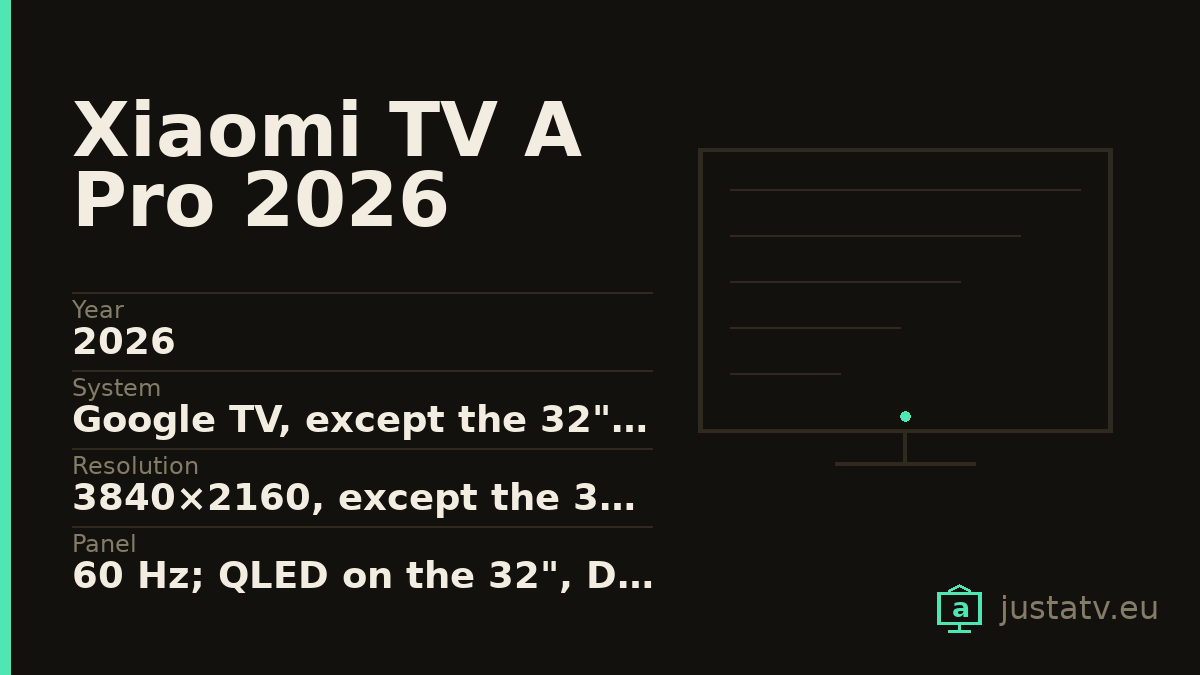
| Year | 2026 |
|---|---|
| System | Google TV, except the 32": Google TV Lite in Europe |
| Resolution | 3840×2160, except the 32": 1366×768 |
| Panel | 60 Hz; QLED on the 32", DLED on the 50" |
| Memory | 2 GB of RAM and 8 GB, except the 32": 1 GB and 8 GB |
| Processor | Quad-core Cortex-A55; Cortex-A53 on the 32" |
| Brightness | 230 nits min / 270 typ (32"); 230 / 275 (50") |
| HDR | HDR10 and HLG (32" and 50") |
| Sound | 10 W on the 32"; 2 × 10 W on the 50" |
| Connections | 2 × HDMI 1.4 (32"); 3 × HDMI with eARC and ALLM (50") |
| Sizes | 32", 43", 50", 55", 65", 75" |
There is an unwritten rule when buying a television: within one range, the inch count changes the size and little else. On the Xiaomi TV A Pro 2026 that rule does not hold. The 32-inch is not a small A Pro, it is a different set. Another resolution, half the RAM, another processor, two HDMI instead of three, and (the part you see least in a shop) another operating system.
This page is for somebody who already has one at home, and for anyone close to buying.
Where the range splits
The user guide for the 32 declares model L32MB-APEU, 50 W of power draw, an
80 cm screen, 1366x768 at 60 Hz, a quad-core Cortex-A53 CPU, a Mali-G31
MP2 GPU, 1 GB of RAM and 8 GB of flash storage.
From 43 inches up, the codes are L43MB-APEU, L55MB-APEU, L65MB-APEU and
L75MB-APEU, with 3840x2160 at 60 Hz, four Cortex-A55 cores, a Mali-G52
MC1, 2 GB of RAM and 8 GB of flash. Power draw climbs with the diagonal:
75 W for the 43, 130 W for the 55, 180 W for the 65 and 210 W for the 75.
In short: the 32 is not 4K, and it runs on half the memory of its siblings.
What only the FAQs say
The user guides give no brightness, no HDR formats and no HDMI count. That lives in the official FAQs, and this range has only two of them: the 32 and the 50.
The 32. QLED panel, brightness of 230 nits minimum and 270 typical, 1200:1 contrast, DCI-P3 of 85% minimum and 90% typical in Europe, HDR10 and HLG. Sound is 10 W across two speakers. Two HDMI, with CEC and HDMI 1.4. One USB 2.0, one 100 Mbit RJ45, a CI+ slot and a mini AV input. There is no optical output and no headphone output. And the declared operating system is Google TV Lite in Europe (Android TV in Russia, Belarus and Kazakhstan).
The 50. Model L50MB-APEU, a DLED panel (not QLED) 3840x2160 at
60 Hz, DCI-P3 of 92% minimum and 94% typical, 5000:1 contrast, brightness of
230 nits minimum and 275 typical, HDR10 and HLG. Four A55 cores up to
1.53 GHz on an MT9603 platform, a Mali-G52 2EE MC1, 2 GB of RAM and 8 GB of
eMMC ROM. Sound of 2 × 10 W. Three HDMI, two of them 2.0, with eARC and
ALLM. Optical output, 802.11ac wi-fi and plain Google TV.
What separates these two is not a matter of inches. They are two products.
A contradiction Xiaomi has not resolved
This belongs here plainly, because it affects two of the six sizes. In the
official user-guide index, the links for xiaomi-tv-a-pro-43-2026 and
xiaomi-tv-a-pro-50-2026 serve a PDF whose spec table reads L43MB-FAEU,
L50MB-FAEU and L55MB-FAEU, with 75, 75 and 110 W, and
Flash Storage | 32GB. Those -FAEU codes and that 32 GB belong to the F
series, not to the A Pro.
The manual served by the link for the 55 (a combined 43 and 55 PDF) reads
instead L43MB-APEU and L55MB-APEU, 75 and 130 W, and 8 GB of flash.
So for the 43 there are two data sheets, published by the same manufacturer, that agree on neither the model code, nor the memory, nor the power draw. This page does not pick one: it records that both exist. If yours is a 43 or a 50, the only reliable source is the set itself.
How to ask the television
Under Settings → System → About you get the model, the Android version
and, further down, the available storage. With ADB connected,
getprop ro.product.model returns the exact code and df -h /data the space
actually left.
That second figure is the one that decides whether this cleanup is for you.
Why 8 GB is what rules here
All six sizes share the same 8 GB. The system takes a large slice of that, and whatever is left has to hold the apps you install, their data, their caches and the temporary room the set itself needs to download an update.
When that headroom runs out, three things follow in order: apps take longer to open, some stop updating on their own, and eventually the set cannot apply its own update. That last point is what turns an entry-level television into an old television ahead of time.
The 32 has a second ceiling on top: 1 GB of RAM. No cleanup raises it.

Google TV Lite is not Google TV
Xiaomi's documentation names the system on the 32 and does not describe it. It does not say which apps are missing, which Google TV features are absent, or whether the home screen is the same. The only thing you can state with the data sheet in hand is that it is a different variant, running on 1 GB of RAM.
There is a practical consequence. A package list copied from a forum thread about "the A Pro" is almost certainly the big model's list, and on a 32 it will not match. Ask your own set before disabling anything.
What it ships with
The Google layer. The launcher, the recommendations engine, voice search
and Google Play services (com.google.android.gms). This is the layer that
decides what you see when the set turns on, and one of the ones that grows
most in stored data.
Third parties. The software certification Xiaomi declares for both documented models includes Netflix and Prime Video, so those two ship installed on either one.
Xiaomi's own. Manufacturer apps, whose exact names change between firmware versions and between regions. There is no official list.
What comes off without much thought
The streaming apps you do not use. They take up room, they update themselves and they show up in the recommendations row. If you subscribe to one tomorrow, it reinstalls from the store in two minutes. The manufacturer's free content channels are the second clear case: they are there to fill the home screen.
What deserves a look first
The recommendations engine. Removing it does leave a clean home screen, but it also empties the "continue watching" row, which in a house with several people is missed more than you would expect.
And before touching any package, go into the privacy settings and check what the set is sharing. You can cut that back a fair amount from there, with no ADB and no risk. Start down that road.
What not to touch
Google Play services. They are the base of the store, of accounts and of a
good part of the apps. The launcher, as long as you have no other one
installed and working: a set with no launcher turns on to a black screen, and
fixing that with the remote alone is far harder than having thought about it
beforehand. And anything starting with com.android. that you cannot
identify: com.android.systemui is the system interface and
com.android.settings is the settings app itself.
What no source covers
This needs saying, because other pages fill these gaps and this one does not. For the 43, 55, 65 and 75 there is no published FAQ: their brightness, their HDR formats, their HDMI count and their sound output are not on record. The brightness and HDMI figures above are the 32's and the 50's, and theirs only.
Dolby Vision appears in no source for this range. Not in the user guides, not in either FAQ. What is on record, on both documented models, is HDR10 and HLG. The 2025 A Pro did declare Dolby Vision; for the 2026, with the documentation in hand, it cannot be claimed.
Nor is there any official list of preinstalled apps.
All of this is reversible
Nothing explained here is permanent. Packages disabled over ADB come back with one command, and a factory reset returns the set to exactly the state it left the box in. Nothing here touches the system: it only tells the television not to load something that was already installed.
If you have one
The app list from your A Pro 2026, exactly as the set returns it, together with the inch count and the model code, is precisely what is missing to close this page out. And if yours is a 43, the code on your screen settles the contradiction above along the way.