
Xiaomi TV A 2025: what it ships with and what can come off
· 7 min read
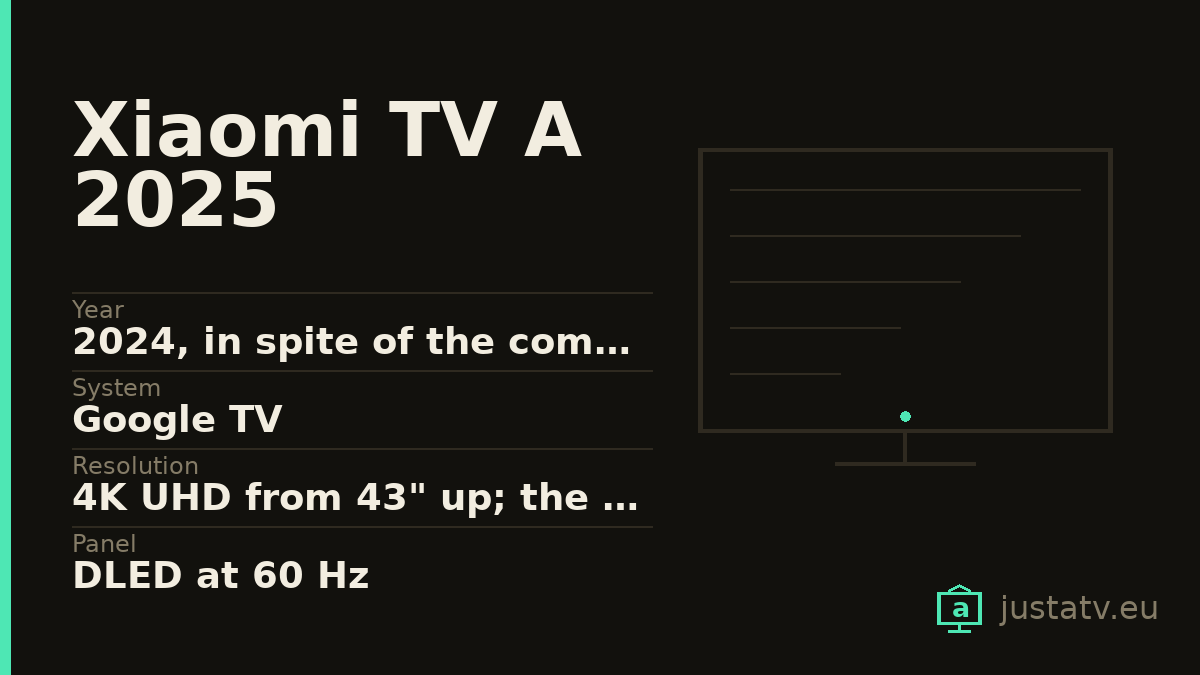
| Year | 2024, in spite of the commercial name |
|---|---|
| System | Google TV |
| Resolution | 4K UHD from 43" up; the 32" is HD |
| Panel | DLED at 60 Hz |
| Memory | 2 GB of RAM and 8 GB; the 32" drops to 1.5 GB |
| Brightness | Between 200 and 280 quoted nits depending on size |
| HDR | HDR10 and HLG from 43" up; the 32" has no HDR |
| Sound | 2 × 10 W, no Dolby Atmos |
| Processor | MediaTek MT9611; MT9216 on the 32" |
| Connections | 3 HDMI with eARC; the 32" only two and no eARC |
| Sizes | 32", 43", 50", 55" and 65" |
First of all, the part of this page most likely to save you money: five televisions that are not the same machine are sold under the name "Xiaomi TV A 2025", and the distance between them is far greater than the inches.
The 32-inch is not 4K: it is HD, 1366 × 768. It has no HDR of any kind. It carries less memory than its siblings, a different processor, two HDMI ports instead of three, and not one of them with eARC.
The 43 to 65 are 4K, with HDR10 and HLG (no Dolby Vision and no HDR10+, that belongs to the A Pro) and they share nearly everything else.
If you got here looking for why your Xiaomi "will not do 4K", the answer may be that it never did.
What it is, in two lines
An entry-level television from 2024, in spite of the 2025 in the name, with a DLED panel running at a native 60 Hz and Google TV. Quoted brightness runs from the 200 nits of the small one to the 280 of the 65-inch, entry-level figures to be taken for what they are: this is a television for a room with the blinds half down.
There is no independent photometer measurement of this model. The 320 or 330 nit figures doing the rounds belong to the A Pro, which is a different television. What there is here is only what Xiaomi states.
The 8 GB rule everything else
This is the figure that governs the whole of this page: the entire range ships with 8 GB of storage, and the 32-inch also comes down to 1.5 GB of RAM.
The system takes a large share of those 8 GB. What is left free usually lands around 4 GB, and that has to hold the apps you install, their data, their caches and the temporary space the television needs in order to download a system update.
When that margin runs out, three things happen in this order: apps take longer to open, some stop updating themselves, and eventually the set cannot apply its own update. That last one is what turns a cheap television into an old television before its time.
Which is why removing apps here is not a matter of taste about a tidy home screen. It is what decides how many years the machine will last you.
How to tell exactly which one you have
Under Settings → System → About you will find the model, the Android
version and, further down, the available storage. With ADB connected,
getprop ro.product.model and df -h /data give you the model and the free
space without walking through menus, and that second figure is the one that
really matters here.
And check the resolution on the set's own spec sheet: if it says 1366 × 768, you have the 32-inch, and a good part of what you read about "the A series" does not apply to you. The processor is the other giveaway (MT9216 on the small one, MT9611 on the rest) and so is the back panel: three HDMI inputs with eARC on one of them, or two with none.
What ships on it
Google's. The launcher (com.google.android.tvlauncher), the
recommendation engine (com.google.android.tvrecommendations), voice search
(com.google.android.katniss) and the services (com.google.android.gms).
This is the layer that decides what you see when the set comes on, and one of
the ones whose data grows most over time.
Xiaomi's. The manufacturer's own apps: the content hub, the setup assistant, the odd in-house tool. The exact names change between firmware builds and between regions, so do not copy a list off the internet: ask your own set for yours.
Everybody else's. Netflix, Prime Video and the rest arrive installed. On a set with 8 GB, each one you do not use is space you do not have.

What comes off without much thought
Streaming apps you do not use, and here with more reason than on almost any other model in this section. They take up room, they update themselves, spending storage and bandwidth as they go, and they show up in the recommendation row. If you subscribe to one tomorrow, it reinstalls from the store in two minutes.
The manufacturer's free-content channels are the second clear case: they are there to fill the home screen.
What to look at first
The recommendation engine. Taking it out leaves the home screen clean, but it also empties the "continue watching" row, which in a house with several people is missed more than you would think.
And before you touch a single package, go into the privacy settings and look at what the set is sharing. A fair amount can be cut back from there, with no ADB and no risk at all.
What not to touch
Google Play services. They are the foundation of the store, the accounts and a good share of the apps. Without them the television boots and does very little else.
The launcher, as long as you have no other one installed and working. A set with no launcher comes on to a black screen, and fixing that with only the remote is a great deal harder than having thought about it beforehand.
And anything beginning with com.android. that you cannot name:
com.android.systemui is the system interface and com.android.settings is
the settings app itself.
What you actually notice
On this model, more than on almost any other. You get space back, and that shows up as apps opening sooner and as a television that can update itself again. The home screen stops pitching series from services you do not have, and the content notifications go away.
What does not change: brightness, the panel's 60 Hz, or whichever HDR your size happened to come with. None of that depends on the apps installed.
If the hardware is simply not enough
With 2 GB of RAM (1.5 on the 32-inch) there is a ceiling no clear-out is going to get past. If the set is still slow after you have emptied it, the sensible way out is to leave it as a screen and put an external player in front of it: a mid-range one has more memory than this entire television, it gets replaced every few years, and the panel, which is what you paid for, goes on being the same panel.
On a television at this price that way out is not a defeat: it is probably the most profitable decision you can make with it.
All of this comes undone
Packages disabled over ADB come back with one command, and a factory reset returns the television to exactly the state it left the box in. Nothing here touches the system: you are only telling the television not to load something that was already installed.
If you own one
The app list from your own TV A, exactly as the set reports it, together with how much free space you have left and which size you have, is precisely what is missing to close its directory entry. The size matters: in this range, as you have seen, it changes the whole television.