
TCL S5L: what it ships with and what can come off
· 8 min read
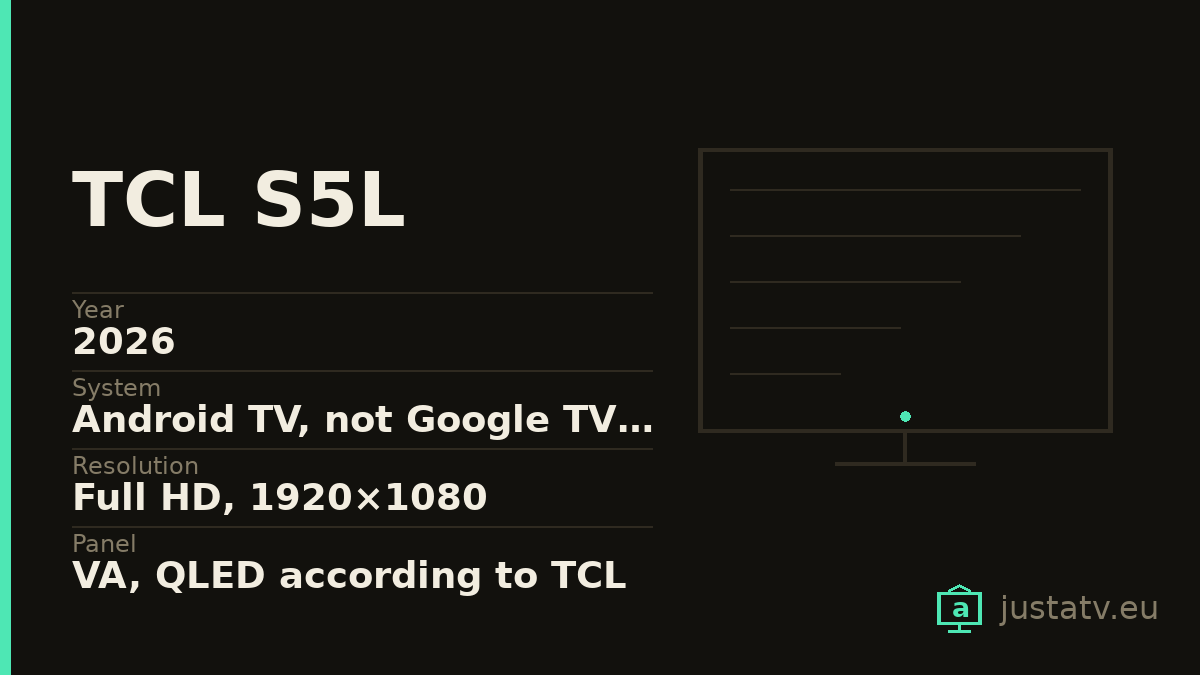
| Year | 2026 |
|---|---|
| System | Android TV, not Google TV; see inside |
| Resolution | Full HD, 1920×1080 |
| Panel | VA, QLED according to TCL |
| Refresh rate | 60 Hz |
| Contrast | 4000:1 typical; 5000:1 on the 40" |
| HDR | HDR 10 and HLG; HDR 10+ only on the 50" |
| Sound | 2 × 8 W on the 32"; 2 × 10 W on the rest |
| Connections | HDMI 1.4b, no eARC; Wi-Fi 4 |
| Memory | TCL publishes neither RAM nor storage |
| Brightness | TCL publishes no figure at all |
| Sizes | 32", 40", 43" and 50" |
The S5L is the odd one out in TCL's 2026 catalogue. The whole L range this site already covers (C7L, C8L, X11L, P6L, P7L and P8L) is 4K and runs Google TV. This one is neither.
It is a Full HD set at 60 Hz running Google's older interface, Android TV. And, against appearances, that is not entirely bad news: the method for cleaning it up is the same, but the names change and it ships with less commercial noise. Let us take it in order, starting with what you need to know before buying one.
First things first: it is not 4K
In its spec sheet the Resolution: field says FHD and the
Panel Resolution: field says 1920×1080. On all four sizes. This is a
television with a quarter of the pixels of any other model in the range.
The refresh rate is 60 Hz, without any of the marketing words TCL uses on the
P8L. The connectivity matches: HDMI Version: 1.4b, with
HDMI2.1 (eARC&ARC): No.
That HDMI 1.4b matters more than it looks. It is a 2010 version that cannot carry 4K at 60 Hz even if the panel asked for it, so here it limits nothing: the panel is already 1080p. What it does limit is the sound. With no eARC, a soundbar connected over ARC gets compressed audio and little else; the Dolby Atmos over cable that a modern living room takes for granted does not come down that wire.
And a third figure almost nobody looks at: Wi-Fi: WiFi 4, on all four
sizes. Not Wi-Fi 5, not 6. Wi-Fi 4 is the 2009 standard. If the router is far
away, or the building is full of neighbouring networks, this shows up before
anything else does.
Translated: this is a kitchen, bedroom or study television. It is not the living-room set, and no amount of cleaning will change that.
The system: what TCL leaves out, and how to work it out
Here is the interesting part, and it has to be told carefully because TCL only does half the job.
On the spec sheet for the 32, 40 and 43 inch sizes, the
Operation System: field is empty. It does not say Android TV, it does not
say Google TV: it says nothing. On the 50 inch sheet the field is not
there at all.
What is there is a marketing bullet on the product page, in the feature list
next to QLED and Full HD: · Android TV. That bullet is attached to all
four sizes, the 50 included.
There is one more wrinkle. On that same page, the internal tags TCL uses to
file each model say Android TV for the 32S5L, the 40S5L and the 43S5L, but
for the 50S5L they say Google TV. So the 50's feature list says one thing
and its catalogue tag says the opposite.
Going only on what is published, the honest reading is this: the 32, 40 and 43 are Android TV, and the 50 has to be checked on the set itself. That costs nothing:
adb shell pm list packages | grep launcher
If com.google.android.leanbacklauncher comes back, it is Android TV. If
com.google.android.tvlauncher does, it is Google TV. Without ADB the settings
menu answers it too: if Settings → Device preferences → About exists, it is
Android TV; if there is a Settings → System → About instead, it is
Google TV.
What changes between Android TV and Google TV
If you have arrived here from another page on this site, this is the part you need, because nearly everything else carries over.
The launcher has a different name. On Google TV it is
com.google.android.tvlauncher. On Android TV it is
com.google.android.leanbacklauncher. Same job (with no launcher the set
boots to a black screen) but any list copied off the internet that names the
first one is no use to you here.
The home screen is a different thing. Android TV shows a row of apps that you arrange yourself, with the channels each app contributes underneath. Google TV shows rows of content recommendations, mixing what you subscribe to with what you do not. The first is a screen for launching apps; the second is a shop window.
There is less to remove. That change of philosophy means fewer recommendation packages and less commercial wiring out of the box. Cleaning up an Android TV set is usually a shorter job than cleaning an equivalent Google TV one.
The menus sit elsewhere. On Android TV, apps are listed from Settings → Apps, and almost everything to do with the system hangs off Settings → Device preferences. Follow a guide written for Google TV and that is where you will get lost.

The differences between sizes
It is not the same machine across all four diagonals, and the differences are not the ones you would expect.
- 32":
Audio Power: 2x8w, the only one with less power. Contrast4000:1(typical). - 40": 2 × 10 W and contrast
5000:1(typical), the best of the four. Oddly, the small one in the series declares the best contrast. - 43": 2 × 10 W and 4000:1.
- 50": 2 × 10 W and 4000:1, but its sheet parts company with the rest in
several places: it is listed as
LCDrather thanLED, it carries Bluetooth 5.4 against the 5.0 of the other three, it declares HDR 10+ rather than plain HDR 10, and its VESA mount is 200×200 mm instead of 100×100.
That 50 inch looks like a different product filed under the same series name. The page is in fact titled "TCL S5L-2K QLED TV-32/40/43 Inch": the 50 came later.
What TCL does not publish
Neither RAM nor storage, exactly as in the rest of its range. On an entry level set that weighs: once storage fills up, apps stop updating and the system ends up unable to apply its own updates.
Over ADB two commands settle it: df -h /data tells you what is left free and
cat /proc/meminfo gives you the total memory.
Brightness. There is no nits figure in any source.
Colour gamut. The Color Gamut: field contains literally /, that is,
nothing, even though the page sells "Ultra-wide Color Gamut" and QLED. A figure
that is not published is a figure that cannot be checked.
The Android version. Not there either.
How to tell whether this page is about your set
Settings → Device preferences → About holds the model and the Android
version. Over ADB, getprop ro.product.model gives the same without walking
through menus. The model ends in the series name: 32S5L, 43S5L.
What it ships with
Google's part. The launcher (com.google.android.leanbacklauncher), voice
search (com.google.android.katniss), the services
(com.google.android.gms) and, depending on the version, the recommendations
engine (com.google.android.tvrecommendations).
TCL's part. Apps prefixed com.tcl.: their own channel, the setup
assistant and the odd utility. The exact names change between firmware
versions, so list your own rather than trusting somebody else's list.
Third parties. Netflix, Prime Video and company, installed by commercial agreement.
What comes off without much thought
The streaming apps you do not use. On a set whose storage you cannot know until you measure it, each one is room you may need. Subscribe tomorrow and it reinstalls from the store.
The free content channels that creep into the home screen are the second clear case.
What not to touch
Google Play services: they are the foundation of the store and of accounts.
The launcher, as long as you have no other one installed and working. And mind
the name: here it is com.google.android.leanbacklauncher.
Anything starting with com.android. that you cannot identify.
com.android.systemui is the interface and com.android.settings are the
settings themselves.
What you actually notice
On a set in this bracket, quite a lot. Every process that stops running in the background shows up in menu navigation and in the seconds after switch-on.
What does not change: the resolution, the refresh rate, the HDMI 1.4b or the Wi-Fi 4. No cleanup turns a Full HD set into a 4K one.
All of this is reversible
Packages disabled over ADB come back with one command, and a factory reset returns the set to the state it left the box in. Nothing here touches the system: it is only told not to load something that was already installed.
If you own one
Two things are missing from this series that TCL does not tell us: the output
of df -h /data and of cat /proc/meminfo, and above all which launcher
turns up on the 50 inch. That contradiction between the feature list and the
catalogue tag is settled by a single command on a real television.