
Sony BRAVIA 8 II: what it ships with and what can come off
· 8 min read
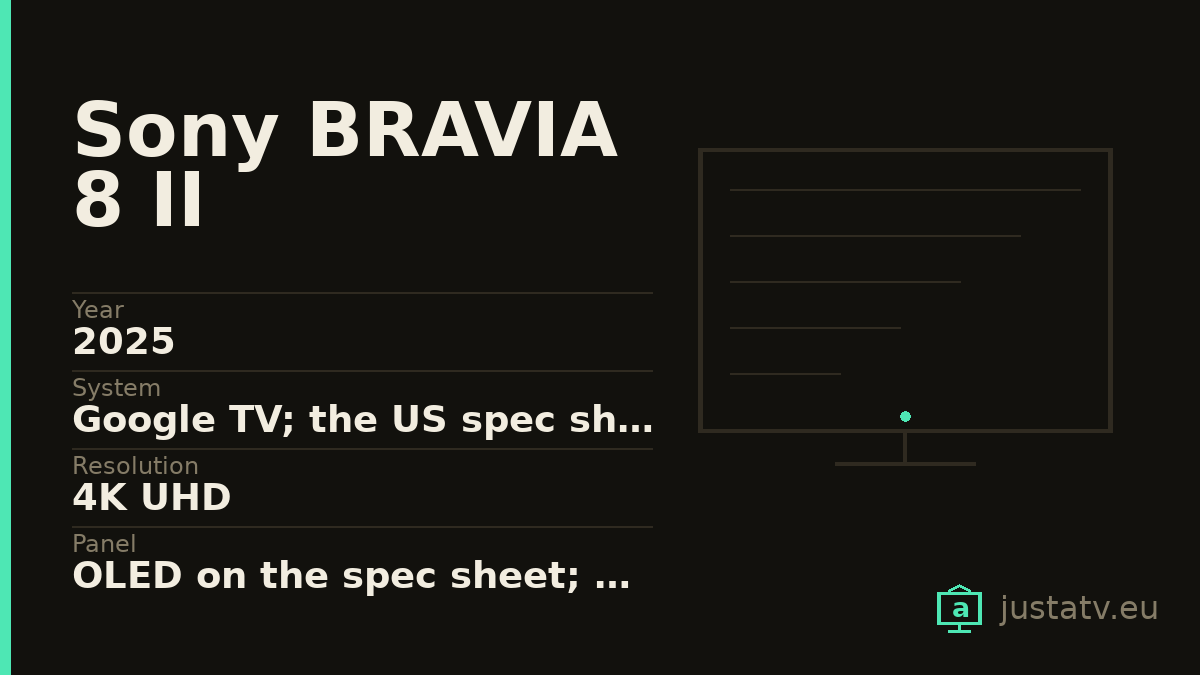
| Year | 2025 |
|---|---|
| System | Google TV; the US spec sheet declares Android 12 |
| Resolution | 4K UHD |
| Panel | OLED on the spec sheet; QD-OLED in the trade name |
| Refresh rate | 120 Hz native, as declared by Sony |
| HDR | HDR10, HLG and Dolby Vision; no HDR10+ |
| Storage | 32 GB; the RAM is not published |
| Sound | 50 W in 2.2: two actuators and two subwoofers |
| Speaker | Acoustic Surface Audio+: the panel is the speaker |
| Connections | 4 HDMI: 1 and 2 at 18 Gbps, 3 and 4 at 48 Gbps |
| Gaming | 4K at 120 Hz only over HDMI 3 and 4; ALLM on all four |
| Sizes | 55" and 65" |
The BRAVIA 8 II is Sony's OLED from the top of the range for 2025, and it shares with the BRAVIA 8 what people like most about that family: the sound does not come out of speakers, it comes out of the screen. Actuators behind the panel make it vibrate, so the voice of whoever is talking sounds where their face is. Here it is two actuators and two subwoofers, 50 watts in total, in a 2.2 arrangement.
Nothing on this page touches that. But there are two things on its spec sheet worth a look before the apps.
The fast ports are 3 and 4
Sony publishes it with the figures in plain sight: HDMI IN1, IN2 for 4K signal up to 18 Gbps; HDMI IN3, IN4 for 4K up to 48 Gbps. And in the list of accepted signals, a footnote: only IN 3 and IN 4 take the 120 Hz.
It is the other way round from what other brands do. On a Philips or on a Panasonic the good ports are 1 and 2; here they are the last two. If you are coming from another television and plug in out of habit, you are going to get it wrong.
ALLM, on the other hand, works on all four, and all four carry HDCP 2.3.
Where the eARC is, Sony does not say. Its spec sheet confirms the set has it (it is listed alongside 4K120, VRR, ALLM and SBTM) but the port number appears in no document. You will have to find it out by looking at the printing on the back, where it is usually labelled. And if it lands on 3 or on 4, you know what that means: with the soundbar connected you are left with a single fast port.
Five minutes spent on this pays off more than any app cleanup. Do it first.
Android 12, depending on who you ask
This is the second thing, and it is the one that should worry you most ten years out.
Sony's spec sheet in the United States declares, in the operating system field, Android 12. The European sheet for the same television says "Android TV", with no number. The smart TV field says "Google TV" on both.
Android 12 came out in 2021. On a 2025 television that means the system is born with four years already on it, and it is the reason why, some years from now, certain apps will stop updating even though the panel is still perfect. It is not exclusive to Sony (it happens across the industry) but it is worth knowing.
Check yours: under Settings → System → About the version appears, and with
ADB getprop ro.build.version.release gives it without going through menus.
What it is, in two lines
A 2025 4K OLED with 120 Hz native (Sony declares it that way, in those words, rather than giving a marketing number) and 32 GB of storage, which for a television is roomy. The RAM it does not publish anywhere.
There is a nuance about the panel worth keeping: the specification field says simply OLED. The QD-OLED part appears in the trade name and in the marketing copy, not on the technical sheet. It is a QD-OLED, yes, but it is worth knowing where each word comes from.
On HDR it accepts HDR10, HLG and Dolby Vision. It does not accept HDR10+: it does not appear once on any of its official sheets, neither the European one nor the American one.
It is sold in 55 and 65 inches. The European references are K-55XR8M2 and
K-65XR8M2; the American ones, K-55XR80M2 and K-65XR80M2. It is the same
set.
How it differs from the BRAVIA 8
If you are torn between the two: the BRAVIA 8 is the 2024 OLED and the 8 II is the 2025 QD-OLED. The division of ports is identical (1 and 2 slow, 3 and 4 fast), both carry Acoustic Surface Audio+, both run at 120 Hz and neither of them accepts HDR10+.
What changes is the panel and, with it, how the brightness behaves in a room with light in it. On the software side nothing changes: what this page says holds for both.
Before you touch anything, if you own a PlayStation
This model ships with features that only switch on with a PS5 connected and that depend on the television and the console talking over HDMI, as well as on parts of the set's own system.
They are not an app you can list and remove, but they are a reason not to go disabling system packages blind here. Take apps off it (that is safe) and leave alone everything you cannot put a name to.

What ships on it
Google's. The launcher (com.google.android.tvlauncher), the
recommendation engine (com.google.android.tvrecommendations), voice search
(com.google.android.katniss) and the services (com.google.android.gms). On
a Sony this layer weighs proportionally more than on other brands, precisely
because the manufacturer adds less.
Sony's. Less than you would expect: the house content apps and some setup helper. The exact names change between firmware versions, so list your own rather than trusting a list copied off the internet.
Everybody else's. Netflix, Prime Video, Disney+ and the rest arrive installed and, on many units, with a dedicated button on the remote. The button stays after you remove the app; it simply stops going anywhere.
What comes off without much thought
The streaming apps you do not use. With 32 GB, space is not the problem, but the rest of it is: they update themselves, they appear in the recommendation row and they talk to their servers. If you subscribe to one of them tomorrow, it reinstalls from the store in two minutes.
The free content channels that fill the home screen are the second obvious case.
What to look at first
The recommendation engine. Disabling it does leave a clean home screen, yes, but it also empties the "continue watching" row, which in a house with several people is missed more than you would think.
And before touching any package, go through the television's own privacy settings. On recent Sony sets there is a fair amount that can be reduced from there, with no ADB and no risk at all.
What not to touch
Google Play services. They are the foundation of the store, of the accounts and of a good part of the apps. Without them the set boots and little else.
The launcher, as long as you have no other one installed and working. A television with no launcher comes on to a black screen, and fixing that with the remote alone is a great deal harder than having thought about it beforehand.
Anything starting with com.android. that you cannot identify:
com.android.systemui is the system interface and com.android.settings is
the settings app itself.
And here, with all the more reason than elsewhere: anything to do with HDMI, with the video input or with the control of external devices. The console business, the eARC and the 120 Hz on the good ports all pass through there.
What you actually notice
Because Sony ships fewer additions than other brands, what you gain is more modest than on a television loaded with manufacturer apps: the home screen stops proposing series from services you do not have, the content notifications disappear, and the set answers the remote slightly sooner in the first seconds after switching on.
What does not change: the panel, the processing, the 120 Hz or the sound that comes out of the screen. All of that lives below the apps, and it is exactly what you paid for.
All of this comes undone
Packages disabled over ADB come back with one command, and a factory reset returns the television to exactly the state it left the box in. Nothing here touches the system: you are only telling the set not to load something that was already installed.
If you own one
On this one we are missing a specific figure that Sony does not publish: which port the eARC is on. If you look at the back of your set and tell us, this entry will be able to close it. And the app list, along with whatever your set says under About, is what is missing for the rest.