
Metz televisions with Google TV: what they ship with and what comes off
· 7 min read
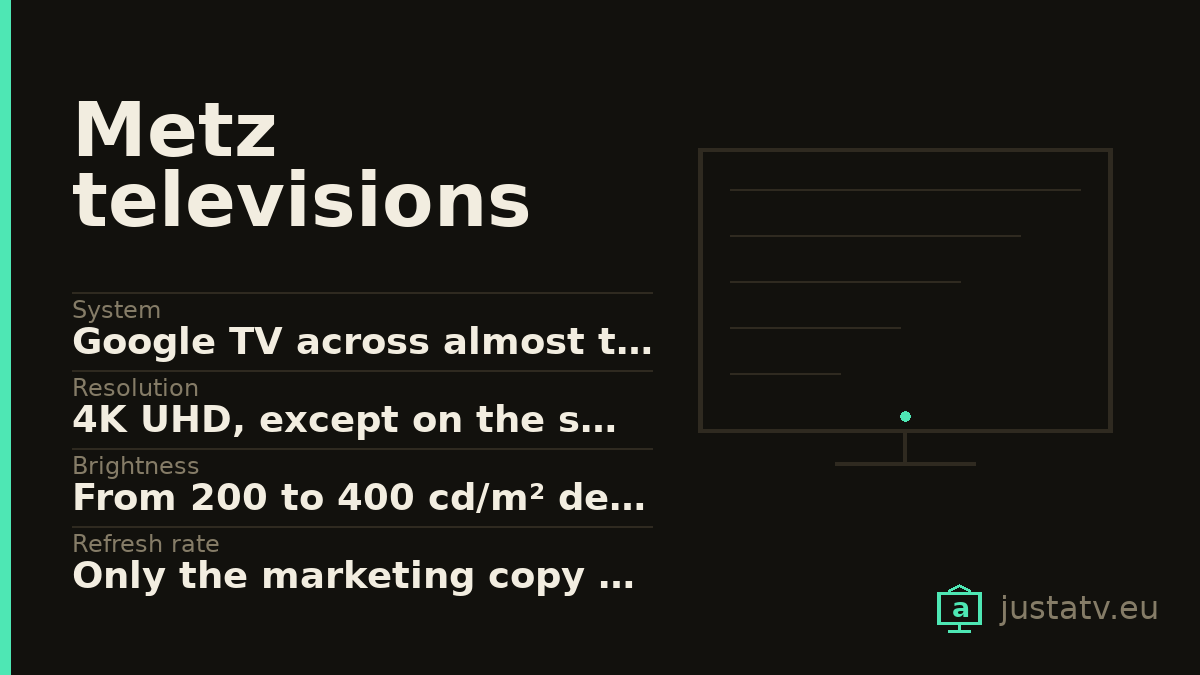
| System | Google TV across almost the whole range |
|---|---|
| Resolution | 4K UHD, except on the small models |
| Brightness | From 200 to 400 cd/m² depending on range and size |
| Refresh rate | Only the marketing copy names it, not the table |
| HDR | HDR10, HLG and Dolby Vision |
| Sound | Two speakers; with a subwoofer on the upper ranges |
| Memory | Metz publishes neither RAM nor storage |
| Processor | Metz does not publish it |
| Connections | 3 HDMI on almost all of them; 2 on the 32" |
| ARC | On HDMI 1 |
| Sizes | From 32" to 100" depending on the range |
Metz is a German brand with a fair presence in its own country and little coverage from those of us who review televisions. Almost its entire current range runs Google TV, which means everything this site explains applies to it: there is ADB, there are packages to disable, and there is a home screen that can be lightened.
Its spec sheet has a curious personality: generous about some things others keep quiet, and silent about others almost everybody publishes. Let us take both, because both help you decide.
What it publishes, and others do not
Brightness, inch by inch. This is rare and welcome. Metz gives a figure in cd/m² for every size of every range, without hiding behind a "peak" measured in a tiny window:
- MQE8500 range (100 inches): 400 cd/m².
- MQE8000 range (86, 75, 65 and 55 inches): 360 cd/m² on all four.
- MQD7500 range (75, 65 and 55 inches): 400, 390 and 330 respectively.
- MUD7000 range (75, 65, 55, 50 and 43 inches): 300 on the 75 and 250 on the other four.
- MTD8500 range (32 inches): 200 cd/m².
These are modest figures (none of these ranges is a real HDR television) but they are there, they are comparable with one another and they are not inflated. Note a detail you only see by looking at the table: in the MQD7500, the 55-inch has 17 % less brightness than the 75. Within the same range.
Where the ARC is. On the MUD7000 range it is specified with the port
number: 3 / 3 / 1 (HDMI1). That is, three HDMI inputs, all three with CEC,
and audio return on the first. Very few manufacturers bother to say so.
What it keeps quiet
The panel's refresh rate. And there is a nuance here worth the time: on the MQE8000 range, the marketing copy on the spec sheet talks about "the dizzying 144 Hz panel". But in the specification table, that figure does not appear anywhere.
We are not saying it is false. We are saying it is in the prose and not in the box, and that those two things do not carry the same weight: the table is what the manufacturer stands behind in writing, and the prose is what it would like you to remember. If the 144 Hz matter to you, ask for them in writing before you buy.
Memory. Neither RAM nor storage, on any range. It is the figure that decides how many years the set lasts you, because when the storage fills up the apps stop updating and in the end the television cannot apply its own system update.
The processor. That does not appear either.
You can find out the last two yourself, and you should do it before installing
anything. With ADB connected, df -h /data tells you how much storage there
is and how much is left free, and cat /proc/meminfo | head -1 gives you the
total memory.
Careful with a "60 Hz" that is not what it looks like
On Metz spec sheets you will come across the line "mains voltage 198-240 V ~ 50/60 Hz".
That is the frequency of the current from the wall socket, not the screen's. It is an easy confusion to fall into when reading quickly, and we have seen shops take advantage of it to credit 60 Hz to televisions whose actual refresh rate is not published at all.
It holds for any brand, not just this one: if the hertz figure appears next to a voltage, it is not talking about the picture.
What these televisions are
4K with direct LED backlighting on the upper ranges, HDR10, HLG and Dolby Vision, and sound with Dolby Atmos on most of them. The MQE ranges carry a QLED panel, and the MQE8000 adds a built-in subwoofer, which at these power levels is more noticeable than one more watt.
On connections, almost all of them bring three HDMI inputs (the 32-inch stops at two) plus two USB, a network port and Bluetooth. Three HDMI is just enough if you have a set-top box, a console and a soundbar.
One note in case you are comparing within the brand: not the whole range runs Google TV. We checked twelve models and eleven declare it; the remaining one does not. Look at the spec sheet for the specific model before assuming you will have ADB.

How to tell whether this page is about your set
Under Settings → System → About you will find the model and the Android
version. With ADB, getprop ro.product.model gives the same thing without
going through the menus.
Metz references follow a pattern of three letters and four digits, like
MQE8000 or MUD7000, with the size in front of them in the shops.
What ships on it
Google's. The launcher (com.google.android.tvlauncher), the
recommendation engine (com.google.android.tvrecommendations), voice search
(com.google.android.katniss) and the services (com.google.android.gms). It
is the layer that decides what you see when the set comes on.
Metz's. Not much: some setup assistant and little else. This is a brand that supplies the panel and the casing and leaves the software practically as it comes from Google, which, for what this page is about, is good news: there is less to take off.
Everybody else's. Netflix, Prime Video, Disney+ and the rest arrive installed under a commercial agreement, and the remote has dedicated buttons for them. The button stays even if you remove the app: it will simply stop leading anywhere.
What comes off without much thought
The streaming apps you do not use. On a television whose storage you do not know until you go and look, each one is space you may end up needing. If you subscribe to one tomorrow, it reinstalls from the store in two minutes.
The free content channels that fill the home screen are the second obvious case.
What to look at first
The recommendation engine. Removing it leaves a clean home screen, but it also empties the "continue watching" row, which in a house with several people is missed.
And before touching any package, go into the privacy settings and look at what the television is sharing. A fair amount can be cut back from there, with no ADB and no risk at all.
What not to touch
Google Play services. They are the foundation of the store, of the accounts and of a good part of the apps. Without them the set boots and little else.
The launcher, as long as you have no other one installed and working. A television with no launcher comes on to a black screen, and fixing that with the remote alone is a great deal harder than having thought about it beforehand.
Anything starting with com.android. that you cannot identify:
com.android.systemui is the system interface and com.android.settings is
the settings app itself.
And anything to do with HDMI and the control of external devices, which is where the audio return on HDMI 1 goes through.
What you actually notice
Since Metz adds little software of its own, what you gain comes almost entirely from Google's layer and from the third-party apps: the home screen stops proposing services you do not have, the content notifications disappear and the television answers the remote slightly sooner after switching on.
What does not change: the brightness, the panel or the sound. None of that depends on the apps installed.
All of this comes undone
Packages disabled over ADB come back with one command, and a factory reset returns the television to exactly the state it left the box in. Nothing here touches the system: you are only telling the set not to load something that was already installed.
If you own one
From Metz we need almost everything the brand does not publish: the output
of df -h /data, that of cat /proc/meminfo and, if you have an MQE8000,
whether your set confirms the 144 Hz in any menu. It is a poorly covered
brand, so here a single answer is worth many.