
Hisense E7Q and E7: what they ship with and what can come off
· 8 min read
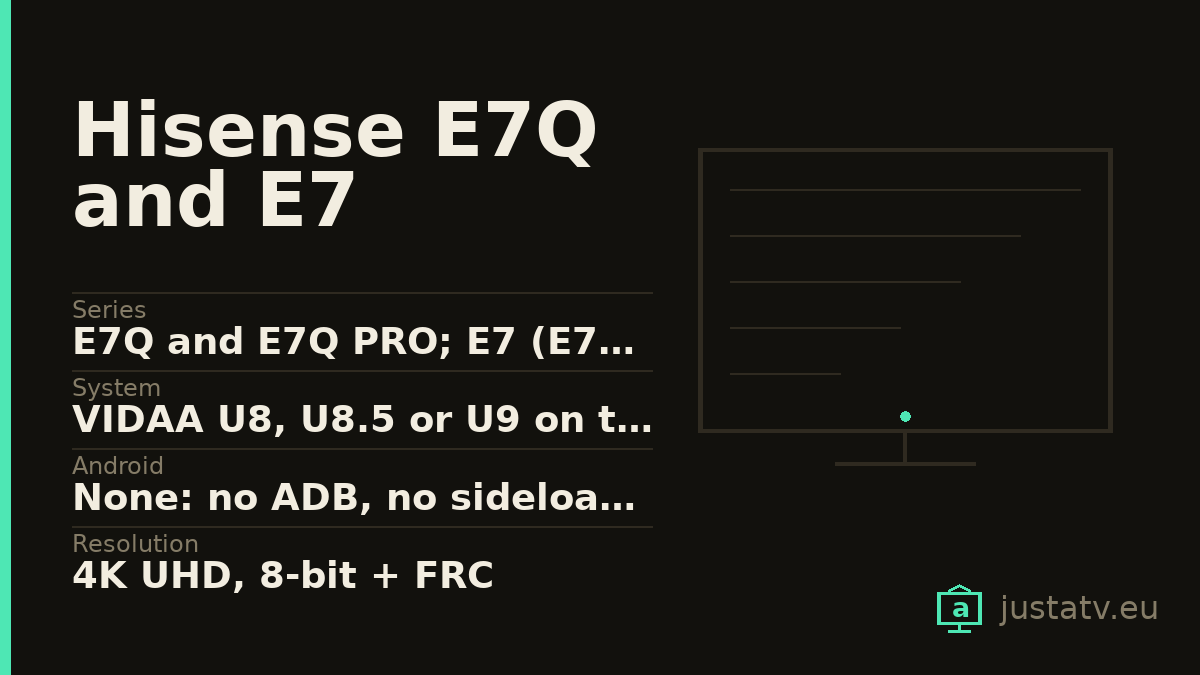
| Series | E7Q and E7Q PRO; E7 (E7S on the spec sheet) and E7S PRO |
|---|---|
| System | VIDAA U8, U8.5 or U9 on the E7Q; HomeOS U9 and U9.5 on the E7 |
| Android | None: no ADB, no sideloading, no packages to disable |
| Resolution | 4K UHD, 8-bit + FRC |
| Panel | VA on some sizes and ADS on others, within the same series |
| Local dimming | None of the 24 models has it |
| Refresh rate | 60 Hz on E7Q and E7S; 144 Hz on the PRO models and the 98E7Q |
| Brightness | Between 275 and 400 typical nits; no peak is declared |
| Contrast | From 1,000:1 on the ADS panels to 8,000:1 on the 55E7S |
| HDR | Dolby Vision, HDR10 and HLG; on the base E7Q, HDR10+ is Decoding |
| Sound | From 2 × 7 W to 2 × 15 W + 20 W, with Dolby MS12 and DTS X |
| Connectivity | Wi-Fi 5 and ethernet on all; two USB; Bluetooth 5.0 or 5.4 |
| Memory | Hisense does not publish it on any of the 24 sheets |
| Sizes | From 43" to 100", depending on the series |
First things first, because it saves half an hour of searching: these
televisions do not run Android. There is no ADB, no pm disable and no list
of packages to go through. On the Hisense spec sheet the operating system
field reads VIDAA U9 on some models and HomeOS U9.5 on others, which are
the same system under two labels, and neither of them supports anything this
site explains elsewhere.
What you actually can do with one is covered in full in cleaning up a Hisense with VIDAA. This page is about the rest: what the E7Q and E7 documentation says, what it does not say, and five pages from the manufacturer that contradict themselves.
The page that advertises Google TV on a VIDAA television
This is the finding, and it is worth setting out with the numbers in view.
On hisense.pt, five pages in the E7Q series (the 43E7Q, 55E7Q, 65E7Q,
75E7Q and 85E7Q) carry a numbered marketing block titled "12. Google
TV". Underneath it, the usual pitch: it gathers your subscriptions, it
searches shows across more than 10,000 apps, it runs the Assistant. And right
after that, with no transition at all, comes the block "13. VIDAA Smart
TV", which introduces VIDAA as "our latest-generation operating system".
In the specification table on those same five pages, the field Interface do utilizador reads VIDAA U9. On all five, without exception.
And the feature carousel on those same pages advertises Alexa Built in and
VIDAA Voice. The only mention of Google Assistant anywhere on the page sits
inside the Google TV block.
There is one more detail worth having. The Spanish page for the 65E7Q has
exactly the same sequence of marketing blocks, in the same order, with a
single difference: there are thirteen of them instead of fourteen. Where the
Portuguese one inserts "12. Google TV", the Spanish one goes straight from
"Share to TV" to "VIDAA Smart TV". And across the whole hisense.es dump the
string "Google TV" does not appear once, on any model.
We are not going to resolve it. You can have a theory (a template block pasted where it did not belong) but a theory is not a fact, and we do not fill gaps here. What can be stated with the source in front of you is this: the page contradicts itself. The specification field says VIDAA U9; the marketing block on the same page promises Google TV. Until Hisense clarifies which of the two holds, that piece of information is unusable, and nobody should buy one of these televisions counting on Google TV.
There is a way to settle it, and it is to look at the set rather than the website. Under Settings → System → About you get the name and version of the system: if it says VIDAA or HomeOS, it is VIDAA, and then there is no Google Play store, no built-in Chromecast and no Assistant. A real Google TV is unmistakable: it asks for a Google account during initial setup and its store is the Google Play store. The two do not blur into each other, and it takes thirty seconds to check.
Four series, and the name is not enough
"E7" covers four things: the E7Q and the E7Q PRO on one side, and the E7 (called E7S on the spec sheet) and the E7S PRO on the other. Twenty-four models between them.
The system label changes even within a single series, which is something that ought not to happen:
- E7Q from 43" to 85":
VIDAA U9. The98E7Q:VIDAA U8. - E7Q PRO:
VIDAA U8.5, except the65E7Q PRO, which saysVIDAA U9. - E7S PRO:
HomeOS U9, except the43E7S PRO, which saysVIDAA U8.5. - E7S:
HomeOS U9.5across all six sizes.
Underneath it is the same closed system on all 24. The version does matter for
how long the set keeps getting apps, and on that count a VIDAA U8 on a
98-inch television is quite the eyebrow-raiser.

The 144 Hz are not where you would look for them
This is the practical trap on this model, and you find it by opening the four HDMI fields on the spec sheet.
On the PRO models and on the 98E7Q, ports HDMI 1 and HDMI 2 stop at 4K
60 Hz. The ones that reach 144 Hz are HDMI 3 and HDMI 4. And eARC sits
on HDMI 3, that is, on one of the two fast ports: plug the soundbar in there
and you are left with a single port for the console.
The 55E7Q PRO and the 43E7S PRO are tighter still: they only have three
HDMI, and the one carrying eARC, VRR and 144 Hz together is HDMI 2.
On the plain E7Q and E7S there is no dilemma because there is no speed: three
ports, all three at 60 Hz with ALLM and VRR, and eARC on HDMI 3. The
fourth-port field reads NA, N or No depending on which page you open.
The wireless side is identical across the 24: Wi-Fi 5 (802.11 a/b/g/n/ac, no Wi-Fi 6) with ethernet on every one. There are always two USB,
but depending on the model they are two 2.0 ports or one 2.0 plus one 3.0.
Bluetooth is 5.0 on the E7Q and 5.4 on the E7, except the 43E7S PRO, which
stays at 5.0.
The panel lottery
The panel type is not the same across the series, and the difference is
visible without instruments. The Panel type field says VA on some sizes
and ADS on others, and the declared contrast collapses with the latter:
85E7Q, VA panel: 3,800:1.75E7Q, ADS panel: 1,200:1.55E7S, VA panel: 8,000:1.65E7Sand75E7S, ADS: 1,200:1.65E7S PROand75E7S PRO, ADS: 1,000:1.
Which means: within the same series and the same price per inch, some models have almost eight times the contrast of others. The name does not tell you; a table field almost nobody opens does.
One thing is the same on all 24: none of them has local dimming. The
Local Dimming field reads No on every one, and the zone field reads No
or NA. Typical brightness runs from 275 to 400 nits depending on the size,
and the peak brightness field reads NA or No depending on the model. With
Dolby Vision on the box, that is worth knowing.
What Hisense does not publish
The memory. Neither RAM nor storage, on any of the 24 sheets: the field
simply does not exist. And it stings more here than on an Android set,
because without ADB there is no df -h /data to run. This is a figure you
will not be able to find out for yourself.
And several fields that are there but empty or wrong. The 75E7Q declares
TBD for power draw and for energy class. The 50E7S PRO, the 65E7S PRO
and the 85E7S PRO declare 0 for power draw and 0 for both energy
classes. Several models show 0 for input lag, which is not a figure: it is
an unfilled field. The 100E7Q PRO declares 45W in use, on a 100-inch set.
What it ships with, and what can come off
The spec sheet lists the preinstalled apps itself: Netflix, Prime Video, Disney+, MAX, SkyShowtime, DAZN, Movistar+, YouTube and PlutoTV in every country. They are there by commercial agreement, not because the television needs them.
On VIDAA you remove whichever ones the system lets you: select the icon on the home screen and, if the bin appears, it goes. If it does not appear, it stays, and no command or trick will change that. What you can do with all of them is reorder the home screen and push them to the end.
What really changes the experience is not the apps but the privacy settings: content recognition is on out of the box and it analyses what comes in over HDMI and the aerial too. That, and personalised advertising, are switched off from the menus, and it is set out step by step in the VIDAA guide.
If you own one
What is missing from these televisions is precisely what their maker does not say. If you have an E7Q or an E7, the most useful thing you can send is exactly what Settings → System → About says on your unit, and whether the home screen carries a Google Play store or a VIDAA store.
Two or three answers would close a question that today not even Hisense's own website closes.