
TCL C8K: what it ships with and what can come off
· 6 min read
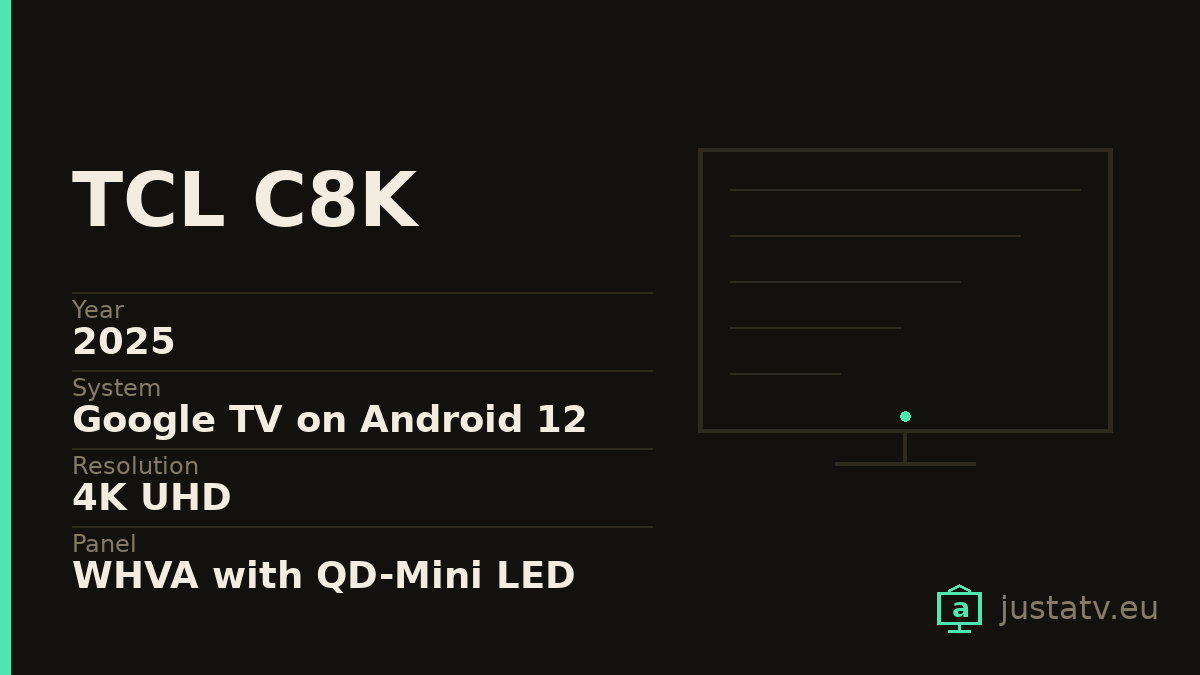
| Year | 2025 |
|---|---|
| System | Google TV on Android 12 |
| Resolution | 4K UHD |
| Panel | WHVA with QD-Mini LED |
| Dimming zones | 1,680 on the 65", 2,176 on the 75", 2,880 on the 85" |
| Brightness | Up to 4,539 nits measured with boost; 3,144 in Filmmaker |
| HDR | Dolby Vision IQ, HDR10+, HDR10 and HLG |
| Refresh rate | 144 Hz native, and 288 Hz at 1080p from a PC |
| Storage | 48 GB free once Google TV is set up |
| Sound | 90 W tuned by Bang & Olufsen |
| Processor | MediaTek Pentonic 700 |
| Sizes | 65", 75", 85" and 98" |
See what comes off this model →
The C8K is the television with which TCL planted itself in 2025 on numbers that until recently were reference figures: over four thousand measured nits with the boost switched on, 1,680 dimming zones on the 65-inch model, 144 Hz native and ninety watts of sound tuned by Bang & Olufsen.
And on top of all that, Google TV on Android 12. A version that by 2025 had been out for years, in a machine you are going to own for a decade.
That gap between how long the panel lasts and how long the software lasts is, in the end, the reason a site like this one exists.
What it is, in two lines
A 2025 4K set with a WHVA panel and QD-Mini LED backlight. The dimming zones change a great deal with the size: 1,680 on the 65-inch, 2,176 on the 75 and 2,880 on the 85. TCL talks about "up to 3,840" in its marketing, a figure that belongs to the 98-inch model: if you have the 65, your number is the first one.
On brightness, what has been measured on the 65-inch reaches 4,539 nits in standard mode with the boost on, and 3,144 in Filmmaker mode. Full screen, 776 nits. Worth knowing that the boost is not held indefinitely: it is a peak, not a constant.
It accepts the four HDR formats that matter (Dolby Vision IQ, HDR10+, HDR10 and HLG) something neither Sony nor Samsung offers all at once.
One detail rarely mentioned: its network port runs at 100 Mbps. On a television at this price that stands out, and if you have fast fibre and watch content at very high bitrates, it is the least expected bottleneck. The wi-fi is quicker than its own cable.
Nobody cleans this one out for space
With 48 GB free after Google TV is set up, you can install whatever you like and there will still be room to spare for years. The storage argument, which on an entry-level set is the main one, does not apply here.
You clean it out for three other reasons: for the home screen, which gives half its surface over to recommending content from services you may not subscribe to; for what the television does when you are not watching, with apps that wake up and talk to their servers; and for who finds out what you watch, which is exactly the same on the 300-euro set and on this one.
Android 12 on a 2025 television
This deserves a section of its own, because it is what you will notice most as the years pass.
A television does not update its Android version the way a phone does. The one it ships with is, in all likelihood, the one it will always have. That means the apps you install will have less and less room to move against the system underneath, and that five or six years from now one of them will stop being available for your television even though the panel is still flawless.
This is not a fault of this model in particular: it is how the whole sector works. But it is worth keeping in mind when you decide how much software you entrust to a machine, and it is a good argument for leaving the heavy lifting to an external player that does get renewed.
How to tell whether this page is about your set
The commercial name identifies nothing: TCL sells the same panel under different references depending on the country, and the C8K lives alongside the C7K and the C6K, which are other televisions.
Under Settings → System → About you will find the model and the Android
version. With ADB connected, getprop ro.product.model and
getprop ro.build.version.release give you the same without wandering through
menus. TCL sets with Google TV usually report themselves under the BeyondTV
platform, a name that covers several sizes and several shop references at once.

What ships on it
Google's. The launcher (com.google.android.tvlauncher), the
recommendation engine (com.google.android.tvrecommendations), voice search
(com.google.android.katniss) and the services (com.google.android.gms).
TCL's. Apps carrying the com.tcl. prefix: the in-house channel, the setup
assistant, the content hub. The exact names change from one firmware version to
another, so list your own and decide about what you actually have.
Everybody else's. Netflix, Prime Video, Disney+ and the rest, installed by commercial agreement and not because the television needs them.
What comes off without much thought
The streaming apps you do not use, and the manufacturer's free content channels, which are there to fill the home screen. If you subscribe to something tomorrow, it reinstalls from the store in two minutes.
What to look at first
The recommendation engine is the one most people want gone and the one that calls for most care: turning it off also empties the "continue watching" row.
And the manufacturer's telemetry is cut back a fair way from the privacy settings themselves, before touching a single package and with no risk at all.
What not to touch
Google Play services, which are the foundation of the store and of accounts.
The launcher, as long as you have no other one installed and working. And
anything starting with com.android. that you cannot identify:
com.android.systemui is the system interface and com.android.settings is
the settings app itself.
On a television with these numbers there is one further temptation worth resisting: touching anything that sounds like picture processing or game mode. The 144 Hz, the Mini LED control and the HDR live in the firmware, where no package list reaches. You cannot improve them from here, and you can certainly break something else trying.
What you actually notice
The home screen stops proposing series from services you do not have, content notifications disappear, and the television answers the remote a little sooner in the first seconds after switching on.
What does not change: the brightness, the zones, the Bang & Olufsen sound or the input lag. On a machine like this all of that is already fine as it ships.
Where it sits in the range
Below it are the C7K and the C6K, with fewer zones and less brightness. All three share the same Google TV, so what this page says holds for all three with very few changes: what differs between them is the panel, not the software.
All of this comes undone
Packages disabled over ADB come back with one command, and a factory reset returns the television to exactly the state it left the box in. Nothing here touches the system: you are only telling the set not to load something that was already installed.
If you own one
The app list from your own C8K, exactly as the set reports it, is the one thing missing to close its entry in the directory. If you feel like sending it, the next person searching for this model finds the work already done.