
Amazon's own televisions: what they ship with and what can come off
· 8 min read
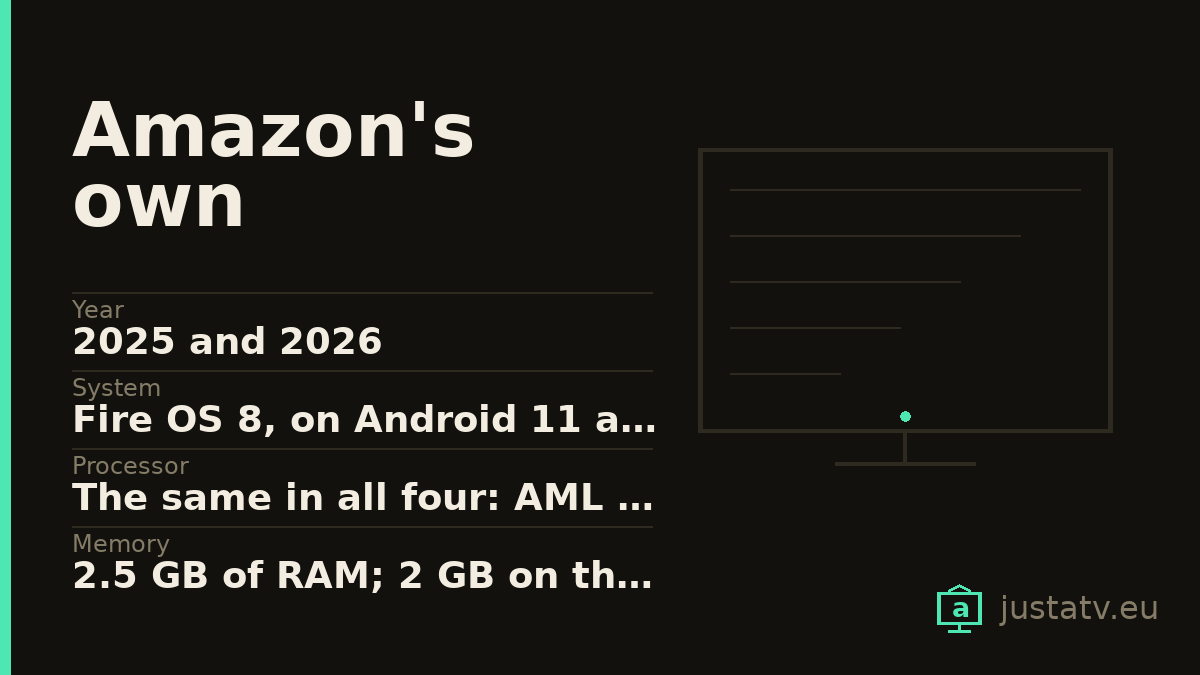
| Year | 2025 and 2026 |
|---|---|
| System | Fire OS 8, on Android 11 across the range |
| Processor | The same in all four: AML T963D4Z, 4 × Cortex-A55 at 1.9 GHz |
| Memory | 2.5 GB of RAM; 2 GB on the 2-Series |
| Resolution | 4K at 60 Hz, except the 2-Series, which is 1366 × 768 |
| Refresh rate | 60 Hz across the range |
| HDR | Varies by series and even by size; see below |
| Sound | From 8 + 8 W to 12 + 12 W depending on series and size |
| Connections | 4 HDMI, one of them 2.1 with eARC; the 2-Series has only 2 |
| Network | Wi-Fi 6 and Bluetooth 5.4 |
| Markets | amazon.co.uk, amazon.de and amazon.it |
Amazon does not only put the operating system on other brands' televisions: it sells its own as well. In Europe you find them in the United Kingdom, Germany and Italy.
And there is one thing Amazon does that no television manufacturer does: it publishes the full spec sheet. In its developer documentation you get the exact RAM, the processor model, the Android version and even the wi-fi chip of every model. Figures that TCL, Sharp, Toshiba or Philips give for none of their sets.
It is ironic that the brand most criticised for its commercial home screen should be the most transparent on paper. But it is welcome, and it lets us say things that on other brands have to be dug out with ADB.
They all run Android 11
Let us start with what matters most in the long run. All four models (the 2026 Ember Artline included) declare Fire OS 8 on Android API level 30, that is, Android 11.
Android 11 came out in 2020. A television you buy in 2026 is born, on the inside, six years old.
This is not something peculiar to Amazon: in the television world it is the norm, and that is exactly why it is worth saying here, where it is written down in black and white. It is the reason why, a few years from now, some apps will stop being updated even though the panel is still perfect.
And they all run the same processor
This is the sort of detail you will not see anywhere else: the
Ember Artline, the Fire TV Omni QLED, the 4-Series and the
2-Series carry exactly the same processor, an AML T963D4Z with four
Cortex-A55 cores at 1.9 GHz and Mali-G57 graphics.
From the entry level to the top of the range, the brain is the same. What changes between them is the panel, the speakers, the ports and (in one case) the RAM.
For what this page is about, the consequence is direct: menu smoothness is going to be similar on all four, and whatever you gain by clearing out, you gain equally. Do not buy the expensive one expecting the system to feel freer.
The 2-Series is not 4K
This has to be said plainly, because it is a set people buy on price: the Fire TV 2-Series has a resolution of 1366 × 768. It is not 4K and it is not Full HD; it is HD, the resolution of televisions from fifteen years ago.
And Amazon's own spec sheet describes it as "up to 2K Ultra HD", which is an expression with no meaning: 1366 × 768 is not 2K, and it is certainly not Ultra HD. It is the one odd figure in documentation that is otherwise very honest.
It also has only two HDMI ports, half of what the rest carry, 2 GB of RAM instead of 2.5, and 8 + 8 W speakers. It accepts HDR10 and HLG.
As a small kitchen or bedroom set it can make sense. As a main television, knowing what it is, it does not.
HDR changes with the series, and even with the size
Here you have to read the small print, because Amazon spells it out more than anyone else and what it spells out is surprising:
- Ember Artline (2026): HDR10, HDR10+, HLG and Dolby Vision. But the spec sheet adds in brackets that Dolby Vision is only available on the 65-inch model. Buy the 55 and you do not have it.
- Fire TV Omni QLED (2025): same story, with Dolby Vision limited to the 65 and 75-inch models.
- Fire TV 4-Series (2025): HDR10+ and HLG. No Dolby Vision at any size.
- Fire TV 2-Series (2025): HDR10 and HLG.
An HDR format depending on the diagonal you buy is not usual, and almost no retailer makes it clear on the product page. If Dolby Vision matters to you, the size is not a detail.
The ports, which are well handled
On the Ember Artline, the Omni QLED and the 4-Series: four HDMI, one of them 2.1 with eARC and the other three 2.0. Plus a USB 3.0, an aerial input, a digital optical output, a headphone output and an output for an infrared blaster.
It is a clear split: connect a soundbar to the 2.1 and it takes the only advanced port. But since all four models are 60 Hz, you are not losing any refresh rate by doing so: there is none of the conflict here that a 144 Hz television does have.
The 2-Series stops at two ports, one 2.1 with eARC and one 2.0.
All four carry Wi-Fi 6 and Bluetooth 5.4, which is above what plenty of more expensive televisions from other brands offer.
The sound, by series and size
- Ember Artline: 10 + 10 W on the 55-inch, 12 + 12 W on the 65.
- Omni QLED: 10 + 10 W on 50 and 55 inches, 12 + 12 W on 65 and 75.
- 4-Series: 10 + 10 W.
- 2-Series: 8 + 8 W.
Modest figures in every case. It is one of the first things a soundbar improves.

How to tell which one you have
Under Settings → My Fire TV → About you get the model and the Fire OS
version. With ADB connected, getprop ro.product.model gives the internal
identifier, and here Amazon publishes which is which: the Ember Artline
answers AFTBOE497A or AFTBOEF7DA, the Omni QLED AFTPOC9BD3 or
AFTPO9D4D7, the 4-Series AFTNA1322D or AFTNA67200, and the 2-Series
AFTCU864A2 or AFTCUD6595.
It is the only manufacturer that publishes that correspondence, and it is the most reliable way of knowing what you have in front of you.
What ships on them
Amazon's, which is nearly everything. The launcher
(com.amazon.tv.launcher), the store (com.amazon.venezia), Prime Video and
a good number of services carrying the com.amazon. prefix. On a television
built by Amazon itself, this layer is more extensive than on a Fire TV from
another brand.
There is nothing from Google. No com.google.android.tvlauncher and no
com.google.android.gms. And there is no Play Store: the store is the
Appstore, with a smaller catalogue.
Everybody else's. Netflix, Disney+ and the country's catch-up television apps, with dedicated buttons on the remote. The button stays after you remove the app; it simply stops going anywhere.
ADB works just the same. Fire OS is Android underneath, so the commands are the ones used on every other page of this site.
What comes off without much thought
The streaming apps you do not use: they take up space, they update themselves, they show up in the recommendation row and they talk to their servers.
The catch-up television apps of channels you never watch, of which these models ship several.
What to look at first
Under Settings → Preferences → Privacy Settings you turn off device usage data collection and interest-based ads. No ADB and no risk at all, and on a television built by Amazon itself this is where it shows most.
If you do not use Alexa, you can turn listening off in the microphone settings. These models carry a microphone array along the bottom edge.
What not to touch
The launcher (com.amazon.tv.launcher) as long as you have no other one
installed and working, and the store (com.amazon.venezia), without which
you cannot reinstall anything you remove.
Anything beginning with com.android. that you cannot identify:
com.android.systemui is the system interface and com.android.settings is
the settings app itself.
And anything to do with HDMI, which is where eARC travels.
Write down what you remove
On a Fire TV this counts double: Amazon reinstates things with updates more often than Google does, and on a television of its own brand more often still. Keep the list in a text file with the full command beside each entry, and save the complete package list before you touch anything.
What you actually notice
A considerably less commercial home screen, which here starts from further back than on any other television. Less background activity. And some storage recovered.
What does not change: the resolution, the HDR, the 60 Hz or the sound. That is the television, and no clear-out is going to give the 2-Series the pixels it does not have.
All of this comes undone
Packages disabled over ADB come back with one command, and a factory reset returns the television to the state it left the box in. Nothing here touches the system: you are only telling the set not to load something that was already installed.
If you own one
What interests us about these is the app list exactly as the machine reports it, because it is the only way to see how much Amazon adds on a television of its own compared with one from another brand running the same Fire TV. With two lists side by side, that comparison can be made for the first time.