
Philips OLED760 and OLED770: what they ship with and what comes off
· 8 min read
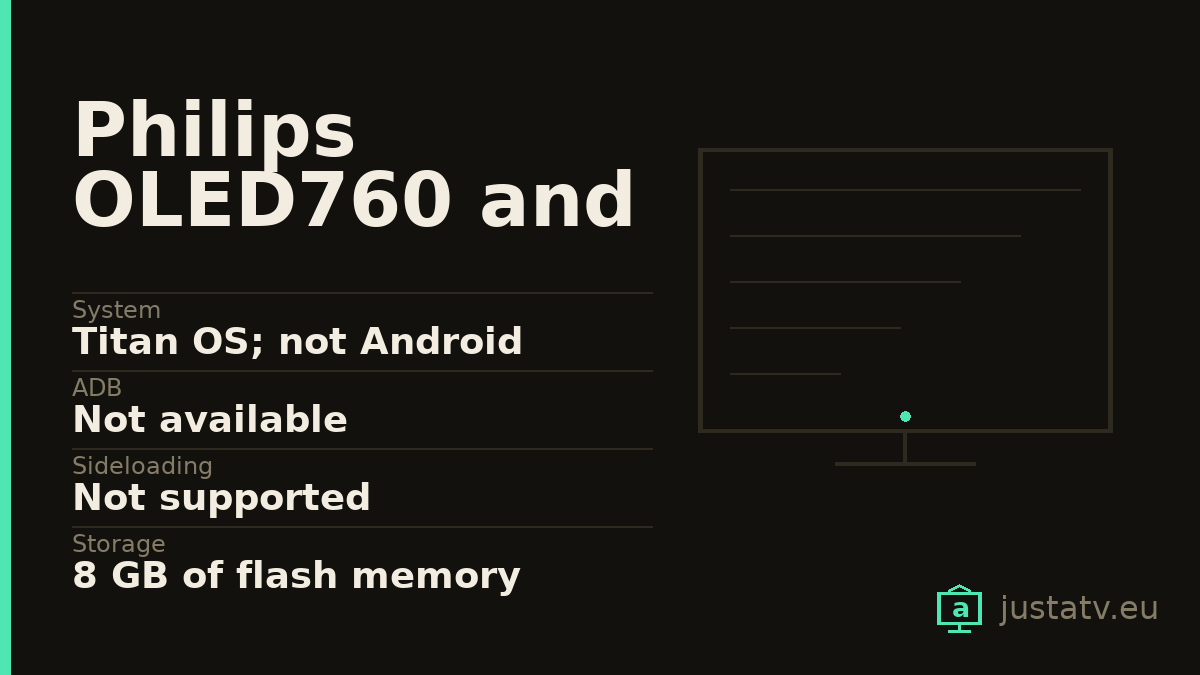
| System | Titan OS; not Android |
|---|---|
| ADB | Not available |
| Sideloading | Not supported |
| Storage | 8 GB of flash memory |
| Panel | OLED 4K Ultra HD, 120 Hz native |
| Processor | P5 AI Perfect Picture Engine |
| HDR | Dolby Vision, HDR10+ Adaptive, HLG and HGIG |
| Sound | 20 W in 2.0; two 10 W speakers |
| Connections | 4 HDMI with eARC on 2; no 48 Gbps declared |
| Ambilight | Three-sided, with Sunrise Alarm |
| Sizes | 48", 55", 65" and 77" |
| Updates | 8 years guaranteed in the EU regulated sheet |
| Sensors | The EU sheet declares no voice, no presence, no auto brightness |
| Standby | 2.0 W in networked standby, and do not unplug it |
Eight Philips OLED series, checked one at a time against their own product data: six run Google TV. Two do not: the OLED760 and the OLED770, which run Titan OS, Philips' own system, and which happen to be the two cheapest sets in the range.
It matters because almost everything this site explains (connecting over ADB, listing packages, disabling the ones you do not want) cannot be done on these two. You pay for an OLED with three-sided Ambilight and end up with a set that takes none of it, while the one next to it on the shelf takes all of it.
Checked model by model
Philips' product data has an OS field. Looking it up one set at a time, the
48OLED760_12, 55OLED760_12, 65OLED760_12 and 77OLED760_12 all declare
OS: TITAN OS and Memory size (Flash)*: 8 GB. The four OLED770_12 sets in
the same sizes declare exactly the same.
And from there, the cut: the OLED810, OLED820, OLED850, OLED860,
OLED910 and OLED950 all declare OS: Google TV™ with 32 GB. On the Spanish
sheet the field is translated as "Sistema operativo: SO TITAN", on the French
one as "Système d'exploitation: Système d'exploitation TITAN", in case you buy
abroad.
There is a more visible clue too: among the feature badges Philips attaches to each model, the OLED760 and the OLED770 carry one called "Philip TV Titan OS smart platform". The OLED810 carries one called "Google TV™" instead.
So before you buy, read the whole number on the back label: 55OLED760/12, not
"a 55-inch Philips".
The OLED760 and the OLED770 are the same television
This deserves its own section because it is not an impression, it is what the
sheets say. Compared field by field, the 55OLED760_12 and the 55OLED770_12
are identical: the only line that changes is the EPREL registration number
(2262789 against 2262793). Same at 48, 65 and 77 inches.
The brochures do not help either: both open with the same line, "our most affordable OLED Ambilight TV". Apart from the barcode and the manual revision (the OLED770's is dated two months later) Philips publishes not one difference between them.
If both are in front of you in a shop, the decision is the price.
What you give up against the OLED810
The OLED810 already has its own page here, so here is the head-to-head. Beyond the system, stepping down one rung costs you this:
The sound. The OLED810 declares 70 W in 2.1, with "10 W x 4 mid-high speaker, 30 W subwoofer". The OLED760 and OLED770 declare 20 W in 2.0, "2 x 10 W full-range speakers". It is the biggest gap on the list, and the one you notice without reading any sheet.
The HDMI. Both have four inputs, but the OLED810 declares "HDMI 1/2: HDMI 2.1 full bandwidth 48 Gbps, up to 4K 144Hz" and has its own "Variable Refresh Rate: 144 Hz" field. On the OLED760 and OLED770 that field does not exist, and the only HDMI 2.1 feature declared is "eARC on HDMI 2". Their input resolution table does reach 144 Hz at 2560 x 1440, but at 4K it stops at 120.
The Wi-Fi. 802.11ax on the OLED810; 802.11ac on these two.
The remote. The OLED810 ships with a wireless charging remote and a USB-C cable. Here, two AAA batteries.
The sizes. The OLED810 goes down to 42 inches. These two start at 48.
And one thing you gain: the three-sided Ambilight on these two includes "Sunrise Alarm", which does not appear in the OLED810's feature list.
What cannot be done
Installing apps from outside the Titan OS store. There is no sideloading.
Disabling system components. There is no package list to reach.
Changing the launcher. The Titan OS home screen is the only one there is.
And uninstalling what came in the box: the official manual documents no way of doing it. Its apps chapter explains how to browse them, sort them by category and install them, and says absolutely nothing about removing them.
The app row is ordered by contract
This sentence from the manual is worth quoting in full, because that kind of candour is rare. On the first row of the home screen, the favourite apps row: "This row contains number of apps pre-installed. The order of these apps are according to business agreements with content service providers."
It is not a design accident or an algorithmic recommendation: it is paid placement, and the manufacturer puts it in writing.

What can be done: the privacy settings
This is where most of the result is, hidden in a submenu. The path the manual gives is Home → Settings → General settings → Privacy settings, and there are three things inside.
The privacy preference centre, to review the consents you accepted during the initial setup.
The Advertising ID, the number your television presents to ad networks. Pressing OK replaces it with a new random one, which breaks the accumulated profile.
And limited ad tracking, which the manual describes like this: when it is enabled, "advertising may be less relevant for you. This will not affect the number of adverts shown". It removes the profile, not the adverts.
Those settings exist mostly because of the "Streaming" source, the free channels the set adds to the guide by itself. The manual defines them as channels "supported by advertising", and warns they are not available when the country setting is UK.
Under Home → Settings → Channels → HbbTV settings there are four more levers for the tracking that arrives over aerial and cable: HbbTV on or off, tracking (switching it off "will inform the HbbTV services not to track your browsing behaviour") cookies, and two buttons to reset the set's unique device ID and clear the list of authorised HbbTV applications.
A closed OLED cannot be unplugged
This is the real difference between this page and a Philips PUS one, and hardly anyone mentions it.
The very first chapter of the manual, before anything else, explains that the OLED panel needs to run a display clean-up process while in standby. And it adds the warning: "Repeatedly postponing this process may result in image retention, which may void your warranty". For it to happen, you must always switch off with the remote and keep the set plugged in.
Add that the automatic software update installs "15min after the TV has gone to standby", and that the regulated sheet declares 2.0 W in networked standby against 0.5 W in ordinary standby.
In other words: on a closed-system television the common-sense answer ("I'll just unplug it") is not available. The set needs to stay awake inside, and that is exactly the state in which it talks to its servers.
The microphone and the eight years
Two closing facts, both from the EU regulated product sheet, which is the most checkable document in all the official material.
Sensors: it declares "Voice recognition sensor available: No", "Room presence sensor available: No" and also "Automatic Brightness Control (ABC) available: No". These sets have Amazon Alexa built in, but the microphone is in the remote and activates on a press. The set is not listening to the room.
And the support commitment: 8 years of guaranteed availability of software and firmware updates from the end of placement on the market, 7 for spare parts, 7 of product support and 2 of general guarantee. Both models were placed on the Union market from 18/02/2025.
A closed system does not mean an abandoned one.
What appears nowhere
For honesty about the sources: across all the official material downloaded (product data, brochures, manuals and regulated sheets) Philips publishes not a single brightness figure for these two models. Not peak, not full screen. The only indirect hint is the declared HDR power demand, 71 W on the 55-inch against 112 W on the same-size OLED810, whose brochure does boast of a "Bright OLED screen".
And an inconsistency in their own database: the web sheet says "less than 0.3 W" in standby, while the regulated sheet for the same model says 0.5 W.
If you own one
What is missing to close this page can only come from someone with the set in front of them: whether your Titan OS lets you uninstall any app, which one, and whether an update has put the privacy settings back where they were. That is how you document, with data, a system almost nobody writes about.