
Philips PUS7000 to PUS8400: what they ship with and what comes off
· 8 min read
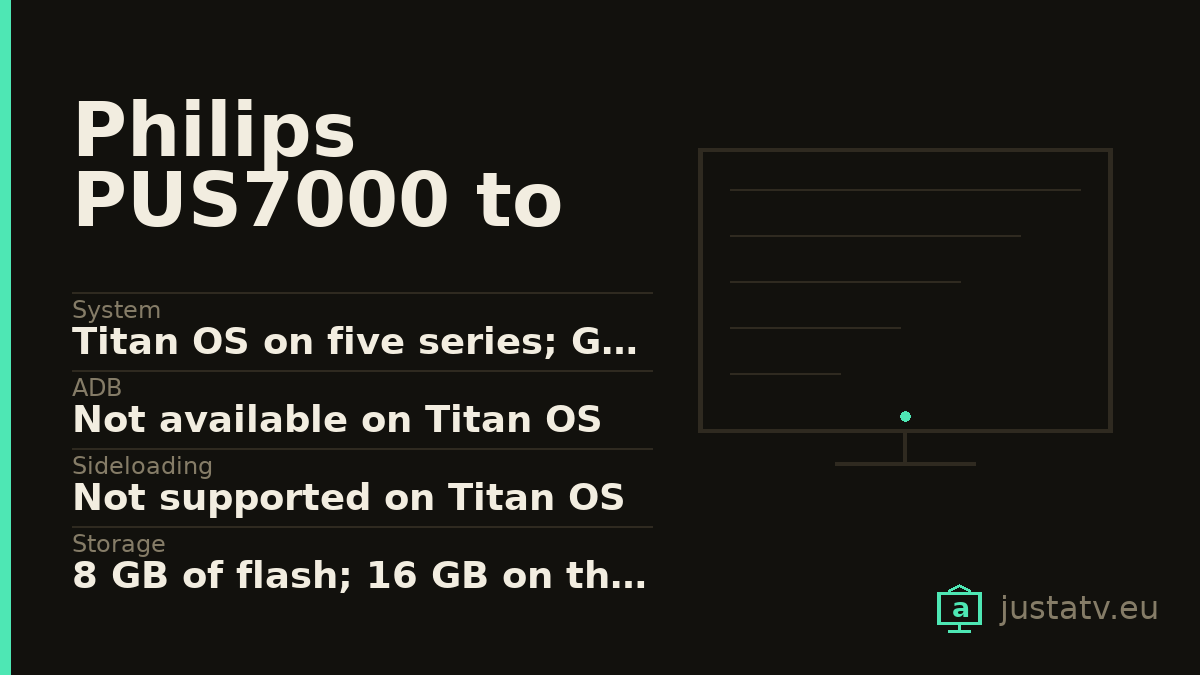
| System | Titan OS on five series; Google TV only on the PUS8100 |
|---|---|
| ADB | Not available on Titan OS |
| Sideloading | Not supported on Titan OS |
| Storage | 8 GB of flash; 16 GB on the PUS8100 |
| Panel | LED LCD 4K at 60 Hz; the PUS8400 is marketed as QLED |
| HDMI | 3 on all six series; eARC on 1, except the PUS8100 where it is on 3 |
| Sound | 20 W in 2.0 across all 23 models; two 10 W speakers |
| HDR | HDR10, HDR10+ Compatible and HLG; no Dolby Vision anywhere |
| Ambilight | Three-sided, except the PUS7000 and PUS7200, which have none |
| Sizes | From 43" to 75", depending on the series |
| Updates | 8 years guaranteed in the EU regulated sheet |
| Microphone | Inside the set on the PUS7200 and PUS8200 |
| Standby | 2.0 W in networked standby; under 0.5 W in normal standby |
| Reversible | Yes, and some updates switch it back on |
The Philips entry LED range is six names that look far too alike: PUS7000, PUS7200, PUS8000, PUS8100, PUS8200 and PUS8400. On the shelf they look like the same television at different prices, and in most respects they are. In one respect they are not.
The border runs through the middle of the range
Philips' own product data has an OS field and a Memory size (Flash)* field.
Checked one model at a time, these are the 23 live models of the entry range
and what each one declares.
OS: TITAN OS with Memory size (Flash)*: 8 GB is declared by the
43PUS7000_12, the 50PUS7000_12, the 55PUS7000_12, the 65PUS7000_12 and
the 75PUS7000_12; the 43PUS7200_12, the 55PUS7200_12 and the
65PUS7200_12; the 43PUS8000_12, the 50PUS8000_12, the 55PUS8000_12 and
the 65PUS8000_12; the 43PUS8200_12, the 55PUS8200_12 and the
65PUS8200_12; and the 43PUS8400_12, the 50PUS8400_12, the 55PUS8400_12
and the 65PUS8400_12.
OS: Google TV™ with Memory size (Flash)*: 16 GB is declared by the four
models of a single series: the 43PUS8100_12, the 50PUS8100_12, the
55PUS8100_12 and the 65PUS8100_12.
So inside one family, with the PUS8000 and the PUS8200 sitting either side of it, the 8100 series runs a different operating system on twice the memory. That means the PUS8100 has ADB, a package list and something to disable, and the other five series have none of it. The box does not say so. The only thing in the official material that gives it away is the badge Philips attaches to each model: the PUS8100 carries one called "Google TV™", while the PUS7000, the PUS8000 and the PUS8400 carry one called "Philips Smart TV Titan OS".
So before you buy, read the full number on the back label: 55PUS8100/12, not
"a 55-inch Philips".
One note on naming: the PUS7300 does not exist. All six sizes of that series return 404 in Philips' product data, as do the PUS7100, the PUS7400, the PUS7500 and the PUS8300.
What actually changes on the PUS8100
Beyond the system itself, the 8100 series parts company with the rest in four checkable ways.
The manual does document uninstalling. It talks about the Google store: "select Install button to start the installation. Once the app installation is done, you can select Open button to open the app, or Uninstall button to uninstall the app". And later: "it is best to uninstall apps that you are not using anymore. You can select Apps > See all apps or Unused apps". The manuals for the other five series do not contain the word "uninstall" even once.
eARC moves port. The five Titan OS series declare HDMI ARC: Yes on HDMI1. The PUS8100 declares HDMI ARC: Yes on HDMI3. Coming from another
Philips and plugging the soundbar where you always did means no eARC.
Bluetooth drops: 5.2 on the five Titan OS series, Bluetooth 5.0 on the
PUS8100.
And the sound engine: Sound Engine: IntelliSound on the PUS7000, the
PUS7200, the PUS8000 and the PUS8200; Basic Sound Engine on the PUS8100 and
the PUS8400. The PUS8100 sheet also drops the Dolby Atmos for headphones field
that the others carry.
Ambilight, model by model
This is what brings readers to Philips, and in this range the answer has a catch.
The PUS8000, the PUS8100, the PUS8200 and the PUS8400 declare Ambilight Version: 3 sided in every size. None is four-sided: that starts higher up.
The PUS7000 and the PUS7200 have no Ambilight at all. Not a smaller one:
the whole Ambilight chapter is missing from their data sheet, their brochures
are headed "4K TV" rather than "4K Ambilight TV", and their support pages hang
off /led-4k-tv/ while the other four hang off /led-4k-ambilight-tv/. Buying
the cheapest set in the Ambilight range and ending up without Ambilight is the
most expensive mistake on this page.
The feature list is not the same either. The PUS8000 declares Ambilight Features: Ambilight FTI Animation | Ambilight Music | AmbiSleep | Gaming mode | Lounge light mode | Sunrise Alarm | Wall colour adaptive. On the PUS8100 and
the PUS8400 that field shrinks to Ambilight Suite | Gaming mode | Wall colour adaptive | Lounge light mode, with no AmbiSleep and no Sunrise Alarm. Here the
dearer series does less than the cheaper one.

What is identical across all six series
No steps here. All 23 models declare three HDMI inputs, two USB, Audio: 2.0 Channel, Output power (RMS): 20 W and 2 x 10 W full-range speakers.
All six EU regulated sheets declare Image refresh frequency rate (default): 60 Hz, and the supported resolution table stops at 3840 x 2160p - 24/25/30/50/60 Hz. There is no 4K at 120 anywhere.
On HDR: HLG, HDR10 and HDR10+ Compatible. Dolby Vision does not appear
once in any of the 23 sheets, in any of the six brochures, or in any of the
six manuals.
And the support commitment is the same in all six regulated sheets: 8 years minimum guaranteed availability of software and firmware updates from the end of placing on the market, 7 for spare parts, 7 for product support and 2 of general guarantee.
Two pairs that are the same television
The same thing happens here as with the OLED760 and the OLED770.
The PUS8000 and the PUS8400 share a manual. Compared line by line, the two documents differ only in the series name, the list of CTNs, the four EPREL registration numbers and one typo: one writes "HomeKit" and the other "Homekit".
The PUS7200 and the PUS8200, compared field by field, differ essentially in Ambilight. Take away the packaging weight, the millimetres and the stand design, and what the 8200 buys you is the three-sided Ambilight.
A microphone that lives inside the television
All six regulated sheets declare "Voice recognition sensor available: No". The PUS7200 and PUS8200 manuals say something else: "Your TV is equipped with Far-Field Microphone underneath the front panel of the TV". They also explain how to switch it off: "There is a switch button under the Far-Field Microphone, you can press to turn on or off the microphone. Normally the microphone is on ready status and the LED indicator light is off".
Read that twice: it ships switched on, and the light comes on when the microphone is off. The brochures for those two series sell it as "Built-in Far Field mic with Alexa". The manuals for the PUS7000, the PUS8000, the PUS8100 and the PUS8400 never mention a far-field microphone: there, the mic sits in the remote.
Two web figures their own sheet contradicts
For honesty with the sources. The web sheet for the 55PUS8400_12 declares
Display: 4K Ultra HD QLED and Panel technology used: QLED LCD, and its
brochure is headed "4K QLED TV with Ambilight". Its EU regulated sheet, the
document Philips signs, declares in field 16 "Panel technology used: LED LCD".
And the web sheet for the 55PUS8000_12 declares Energy class for HDR: F,
while its regulated sheet declares class G. At 121 W in HDR, the highest
draw of the six series, G is the one that adds up.
What you can do on Titan OS
On the five closed series there is no sideloading, no package list and no way to change the launcher. What is left is the usual submenu: Home > Settings > General settings > Privacy settings, with the preference centre, the advertising ID (press OK and it is replaced by a new random one) and limited ad tracking, which the manual describes like this: "advertising may be less relevant for you. This will not affect the number of adverts shown".
And in Home > Settings > Channels > HbbTV settings, four more switches for the tracking that arrives over the aerial. Switching tracking off, says the manual, "will inform the HbbTV services not to track your browsing behaviour".
If you own one
What is missing is what only an owner can supply: whether your Titan OS lets you uninstall anything, and whether the microphone light on a PUS7200 or a PUS8200 behaves the way the manual says. That is how a range almost nobody writes about gets documented with data.